
Enhanced Perpendicular Measurement Control
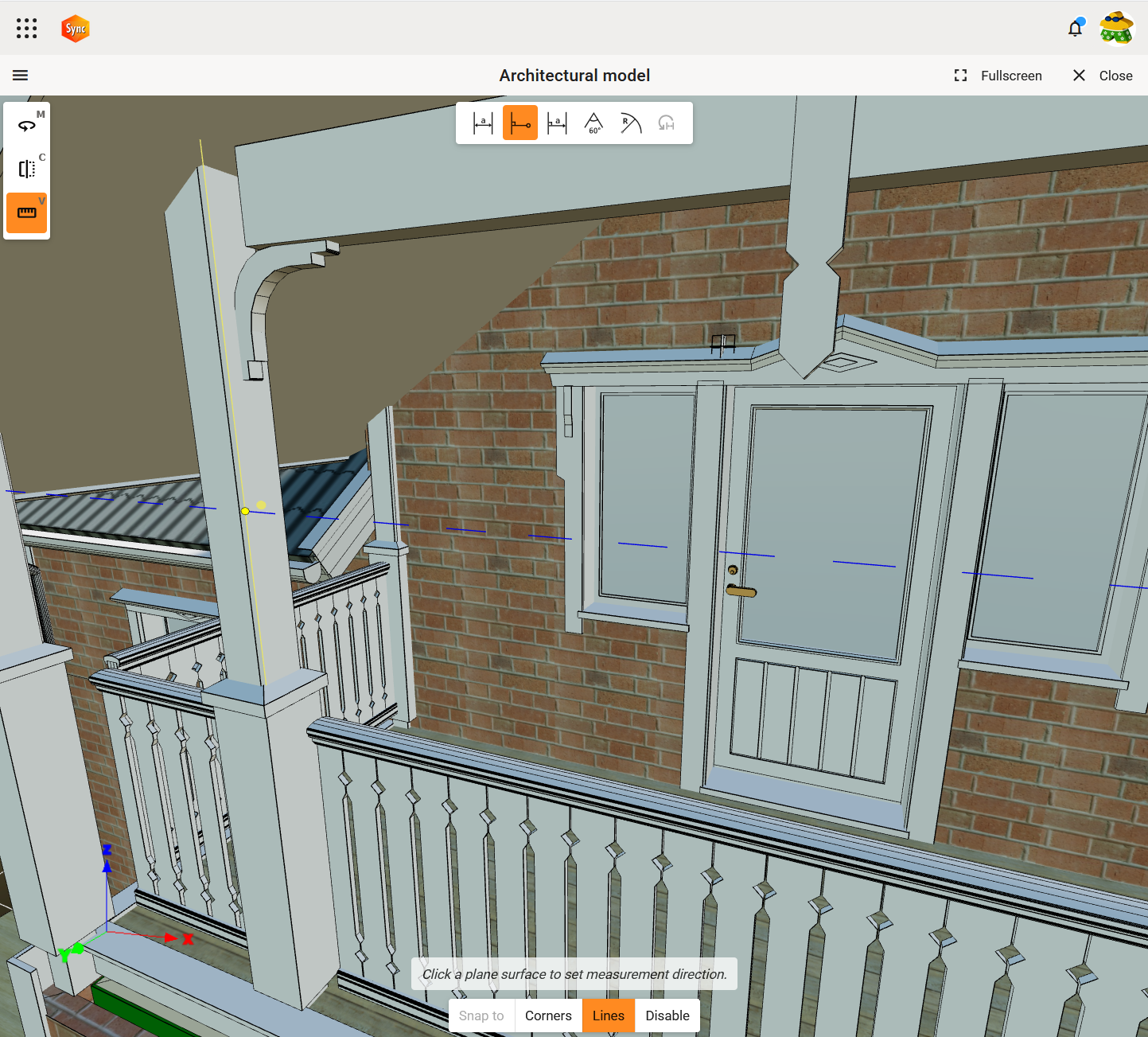
We’re pleased to introduce a significant improvement to the Perpendicular Measurement tool within the 3D Viewer. Taking precise perpendicular measurements is now more intuitive and efficient than ever. You can now select the perpendicular direction freely after snapping to a line. Instead of the direction becoming fixed as soon as you click, you’re able to adjust it by selecting surface afterwards.
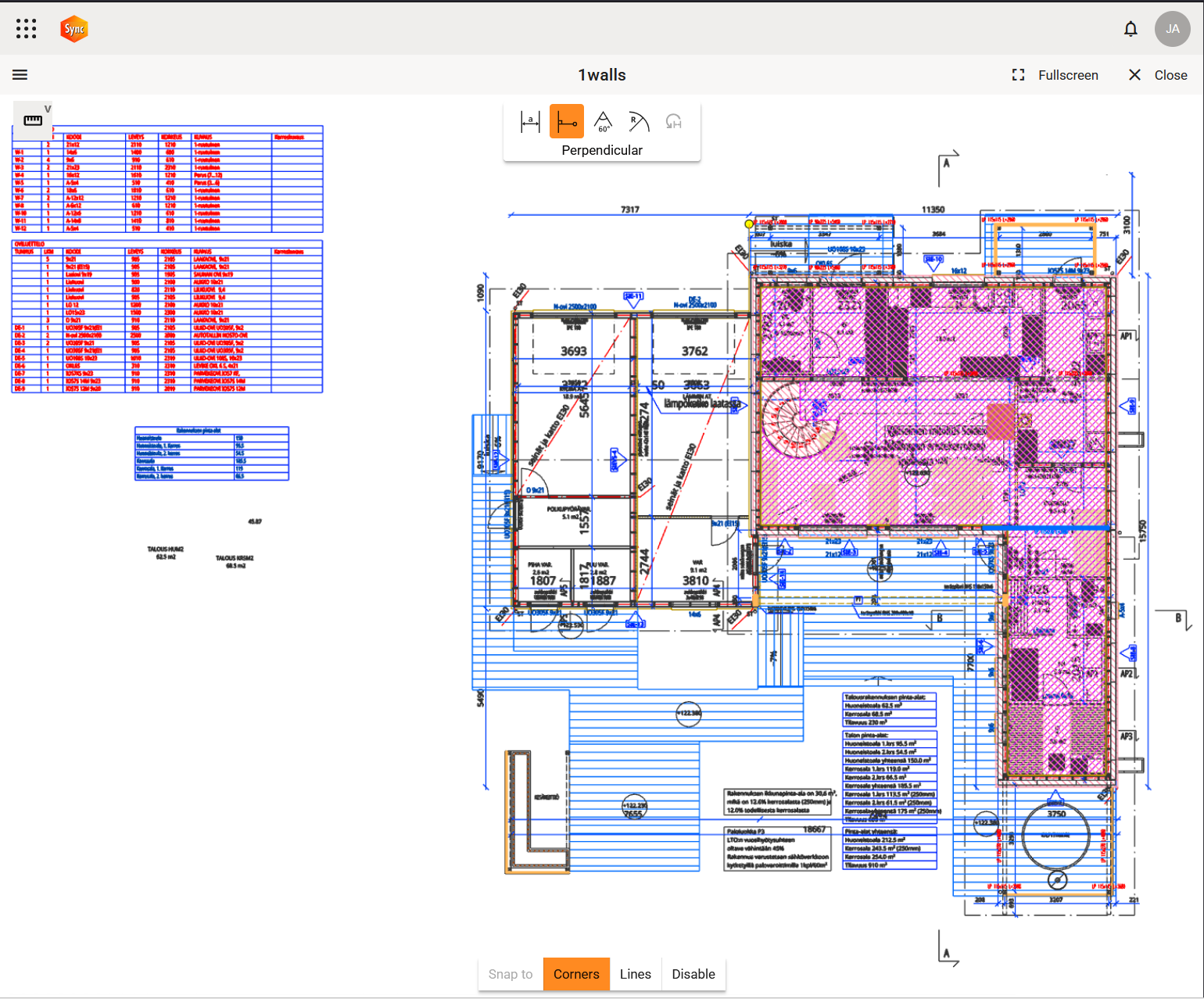
2D viewer tool buttons have shadows for better clarity on light background
We’ve boosted the clarity and usability of measurement tools by introducing subtle shadows to all 2D viewer tool buttons. Previously, the buttons could blend into white backgrounds, making them harder to distinguish. With this update, the buttons now stand out clearly—ensuring better user experience every time.
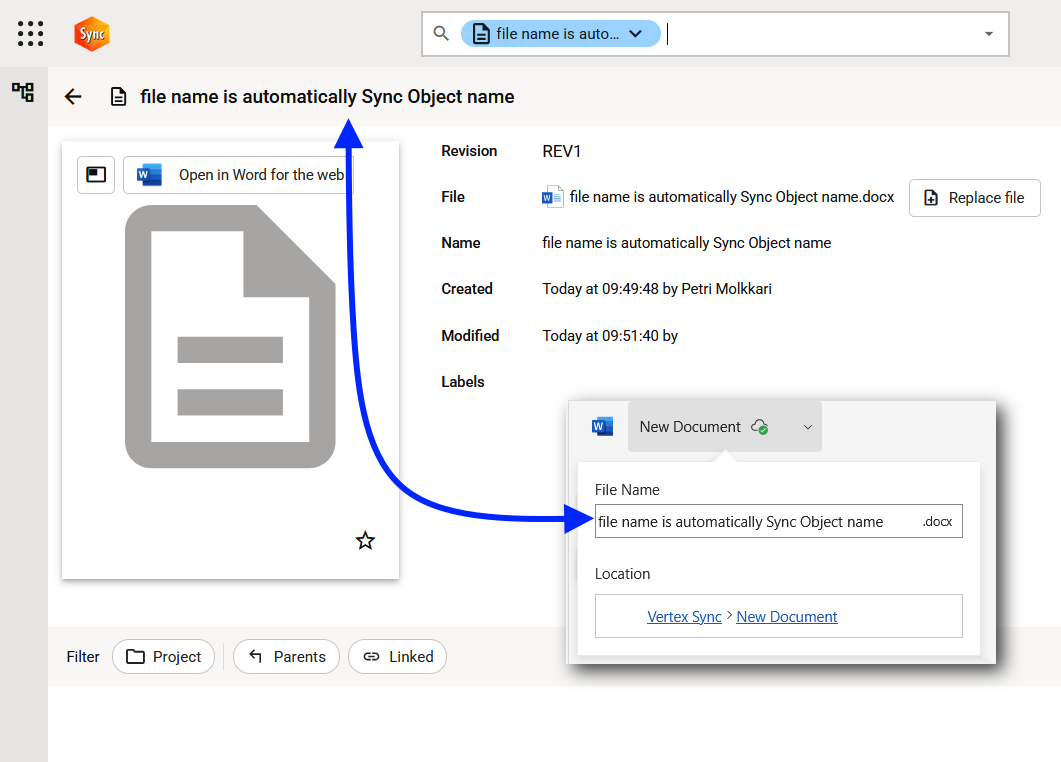
Seamless naming for newly created M365 documents
We’ve streamlined the workflow for creating new Word, Excel, and PowerPoint files through our MS365 integration.
Previously, when users renamed a newly created document directly inside Word, Excel, or PowerPoint, the Sync entity name did not update automatically, leaving the default “New Document.docx” in place. This required an unnecessary manual rename step.
This improvement eliminates redundant steps and ensures that Sync always reflects the correct document name—right from the start.
All updates for this release
Release notes - Sync - 1.6.0
Bug
VXSYNC-3018 Opening the right side menu researches entity \(and childs\) which causes flashing
VXSYNC-3086 Branch create hangs indefinitely if etcd is not configured
VXSYNC-3169 Thumbnail requests throws 500 if fileshare has not been ensured
VXSYNC-3265 Prompt misspellings and wrong case in user interface
VXSYNC-3277 Editing a MS365 file of a copied object edits the original file
VXSYNC-3300 WriteConflicts and NoSuchTransactions are logged in wrong level
VXSYNC-3356 Component information is visible only if the tree view is opened first
Story
VXSYNC-2979 User can define the perpendicular direction when using the the Perpendicular measurement tool with snap to line
VXSYNC-3040 User can select objects from the viewer's tree view and/or the model/drawing and have all the same functionalities.
VXSYNC-3180 Add shadow for 2D viewer tool buttons for better clarity when user hasselected light background
VXSYNC-3273 When renaming a new document in MS365 the Sync name should be automatically set to filename
VXSYNC-3276 File extension should not be part of the entity name when a new entity is created by uploading a file