
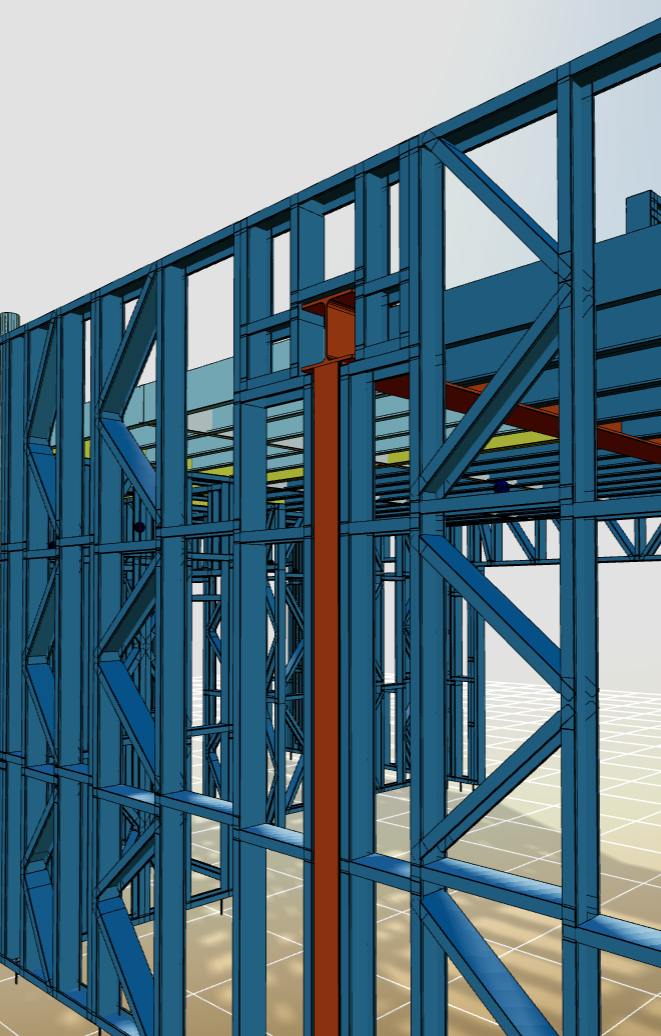
Version 1.4.0 release date 20th January 2026
Hide, Hide others and Isolate works now almost in real time in 3D viewer
New improvements for 3D viewer performance delivers a more responsive experience when using Hide, Hide Others, and Isolate functions in the 3D viewer.
Previously, these actions could slow down performance and even cause the browser to become unresponsive when working with large models. With this update, these functions are now significantly faster, ensuring smoother interaction and improved usability for complex projects.
User can select the parent structure from the 3D model
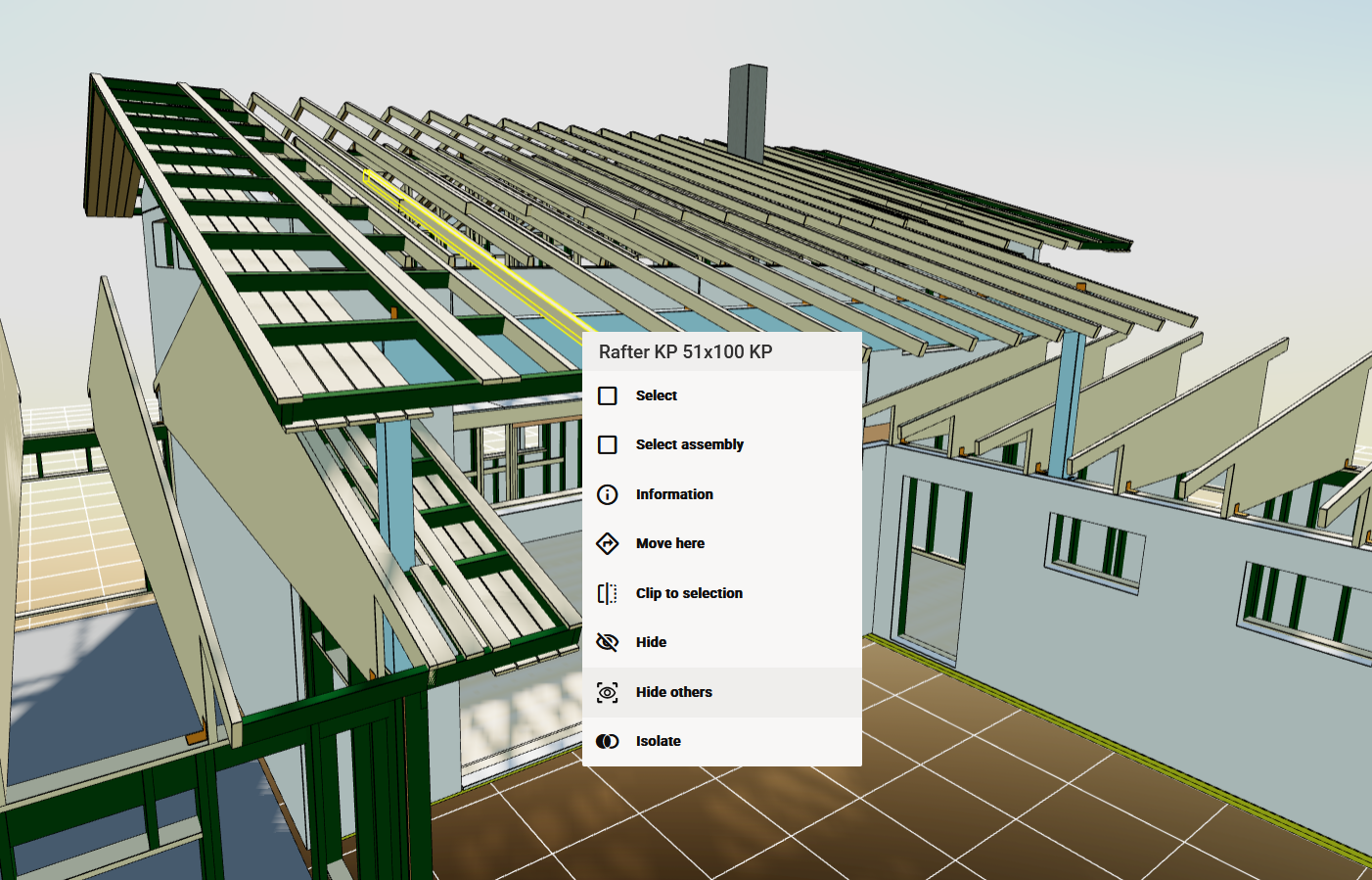
Working with complex models is now easier than ever. Previously, selecting panels or entire structures required navigating through the tree, as the viewer defaulted to individual pieces. With the new select parent feature, you can now select the parent structure directly from the 3D model, making it simple to manipulate entire panels or assemblies without extra steps.
For mobile users, we’ve added a ‘Select Structure’ option in the context menu, ensuring convenient access on any device.
Edge Lines for Improved Clarity
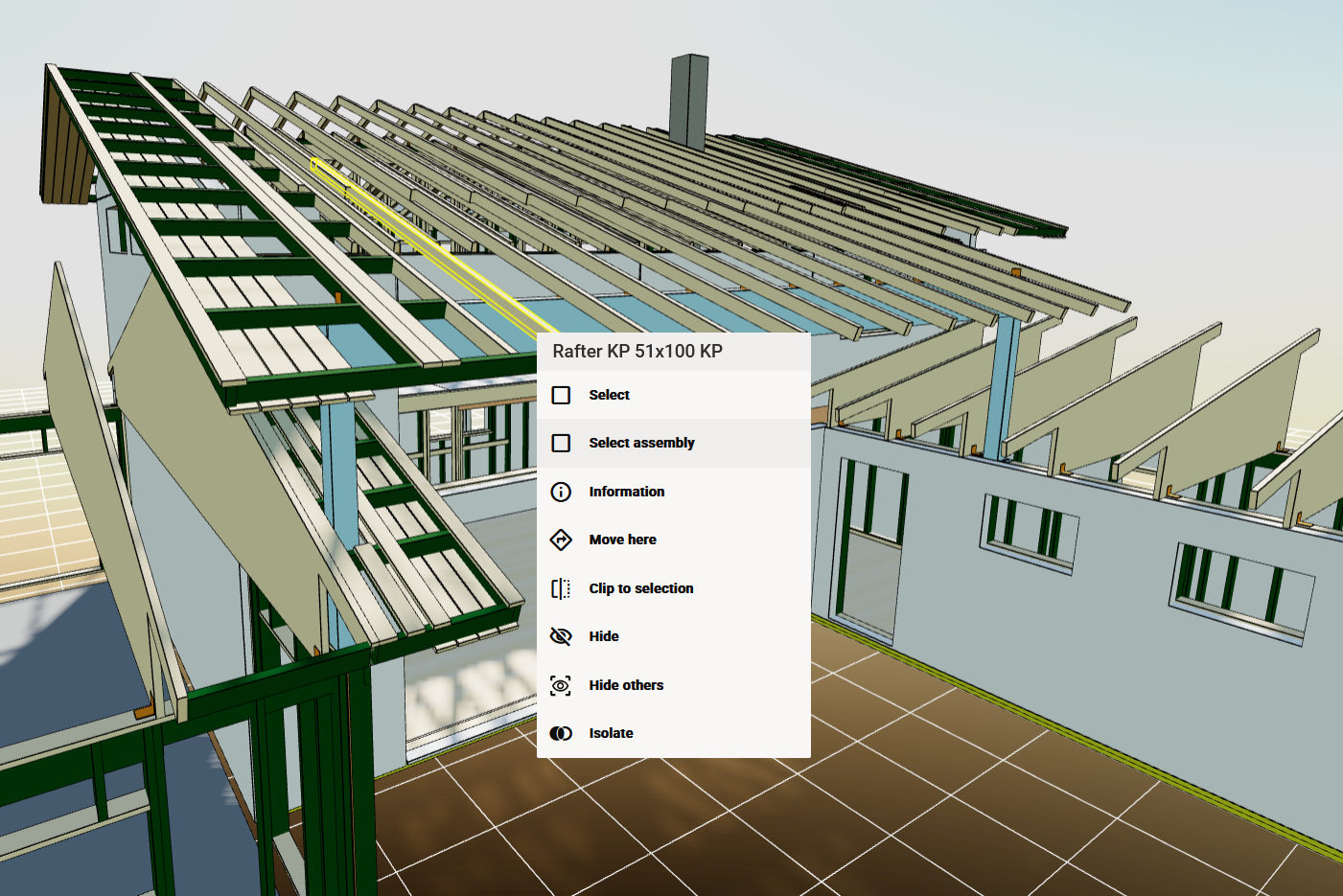
We’ve introduced a new visual option to help you distinguish components more easily in complex 3D models. Users can now emphasise edges by enabling black edge lines on all components, providing a clearer separation between geometries during production work.
This enhancement is based on user feedback and ensures better clarity for production environments, where precision matters more than visual aesthetics.
-
Switch edge lines on or off under Visual Settings to customise your viewing experience.
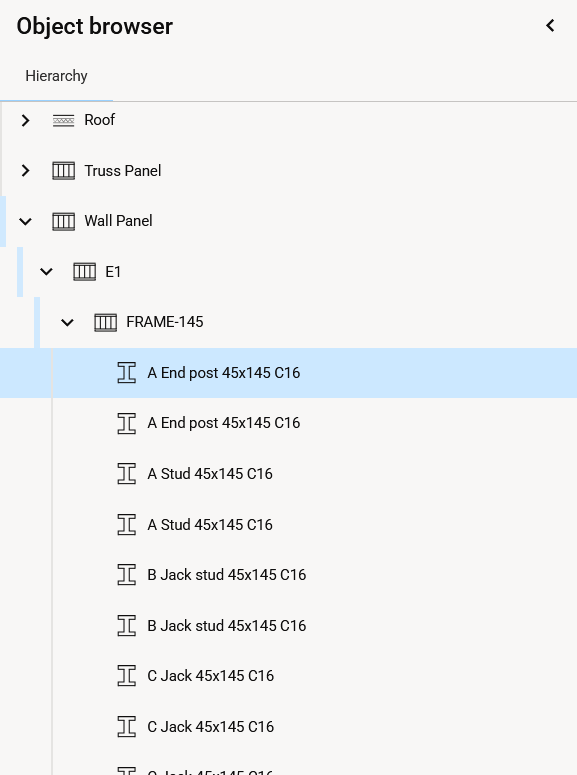
Combined 3D Hierarchy and Type tree into one
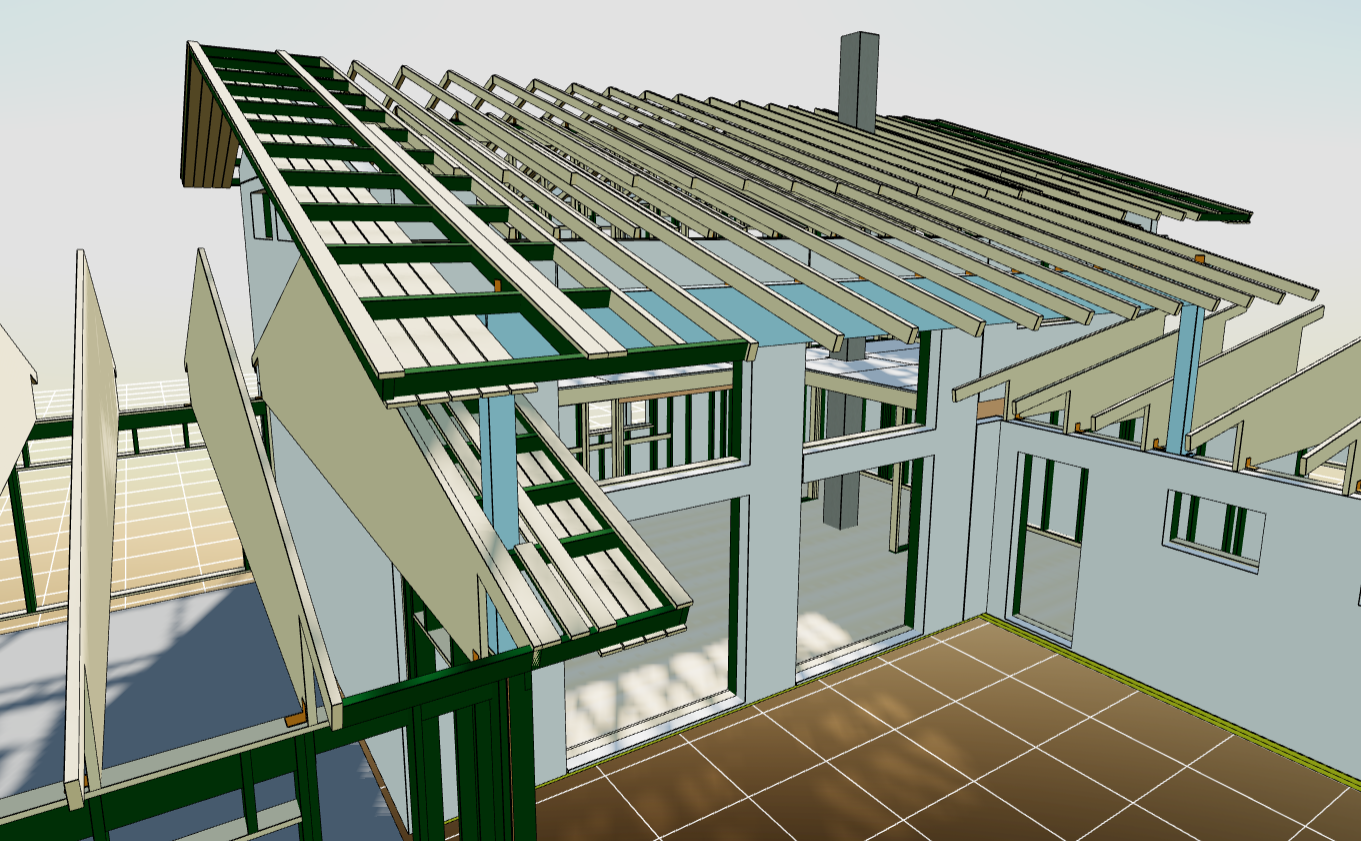
New version makes navigating complex structures easier. Our latest update combines the 3D Hierarchy and Type Tree into a single, streamlined view. The new tree gives you a clear picture of object relationships and categories at a glance. No more switching tabs or guessing connections. With one intuitive hierarchy, you can explore parent-child relationships effortlessly while keeping top-level objects neatly organized by type.
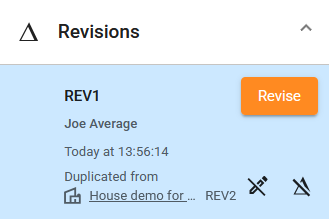
User gets more detailed information about the location from which the object was copied
We’ve improved how duplicated objects are displayed to give you more context without extra clicks. Instead of the old “Link to original” label, you’ll now see the name and revision of the original object, so you immediately know where the object came from without opening the link.
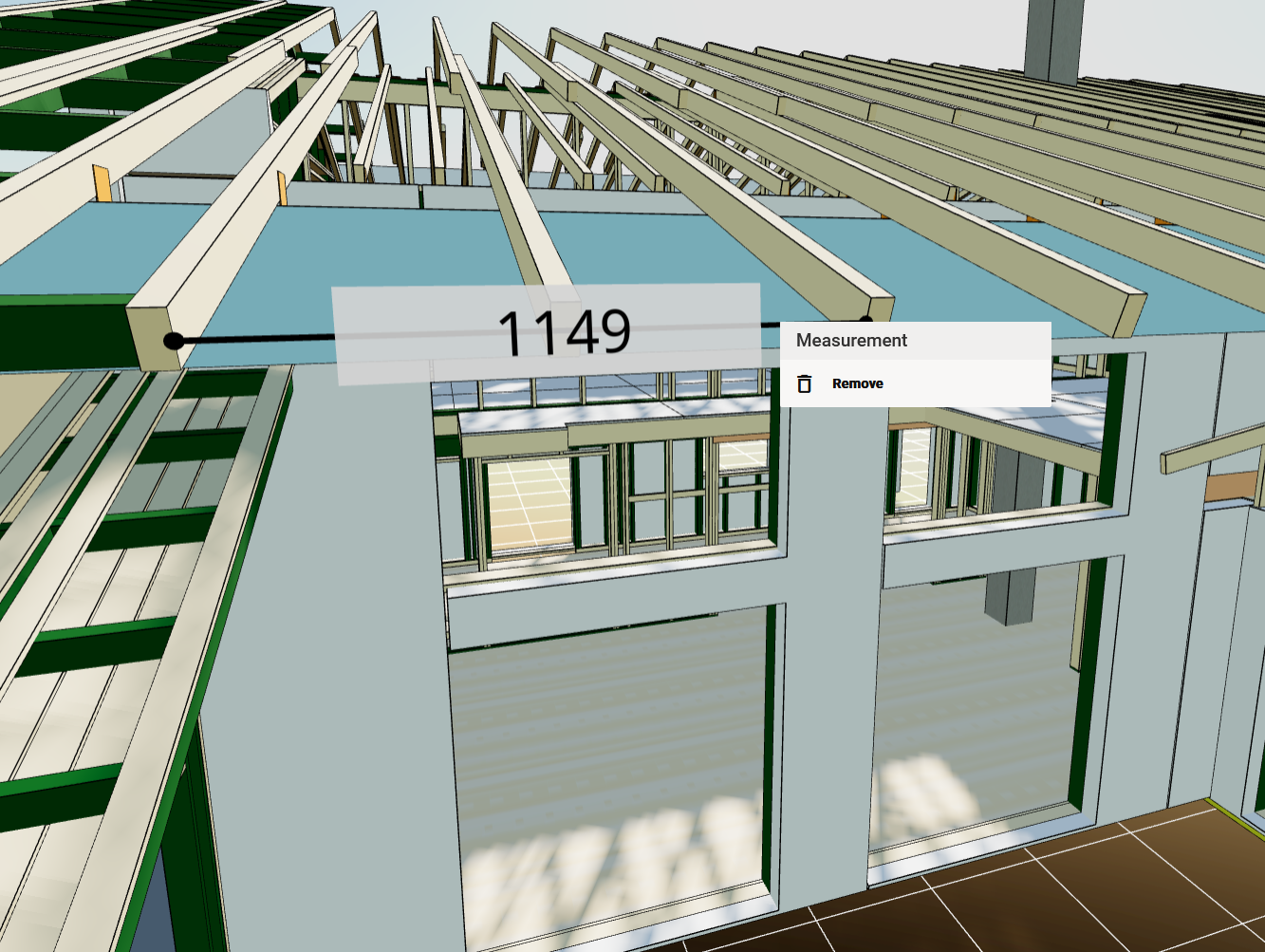
User can remove a single measure from to 3D model
Managing your 3D and 2D models just got easier. Previously, removing measurements meant clearing all at once, which could disrupt your workflow. Based on user feedback, we’ve introduced the ability to remove measurements line by line, including radius and angle, for greater control and flexibility.
All updates for this release
Release notes - Sync - 1.4.0
Bug
VXSYNC-1982 Entity tree does not show all entities in super user mode
VXSYNC-2280 Focus and open the correct tree item and branch feature doesn't work on 'Type' tree
VXSYNC-2293 Istio OOMKilled when downloading multiple files from Sync
VXSYNC-2506 Adjusting axis clip with slider rotates the model too.
VXSYNC-2569 FileShare backups sometimes not initialized
VXSYNC-2793 Camera background option doesn't work on 3D viewer sandbox and extra ui components visible
VXSYNC-2898 When user is viewing an older revision the newest revision's lock buttons are active
VXSYNC-2901 Tree structure edge cover half of scroll bar slider
VXSYNC-2917 Entity history side panel has style issues
VXSYNC-2964 Thumbnailservice sometimes does not reconnect to RabbitMQ if disconnected
VXSYNC-2976 Default decimal precision should be 0
VXSYNC-2982 Removing measurements does not work in 3D viewer
VXSYNC-2983 Changing measurement properties have no effect
VXSYNC-2988 Measurement stops working if 3D camera type is changed
VXSYNC-3001 The context menu in the object and annotation browsers requires two right-clicks to open
VXSYNC-3005 User can add measurements after they changed to clipping tools
VXSYNC-3010 Delete orphans sometimes returns 500
VXSYNC-3041 Some edge lines missing when loading large GLB files
VXSYNC-3058 Unhandled error in frontend when moving in hierarchy
VXSYNC-3108 Change preview doesn't work
VXSYNC-3109 Viewing object's information on Android devices causes an error and system freeze
VXSYNC-3119 Context menu doesn't open in certain situations
VXSYNC-3141 Delete to recycle bin may throw OptimisticLockingExceptions
Story
VXSYNC-1787 User can measure shortest distance between two surfaces
VXSYNC-1983 User gets notification about changes in user information, roles and groups
VXSYNC-2174 User can see the measures in size that fits the distance and the model size
VXSYNC-2287 User can select the parent structure from the 3d model
VXSYNC-2628 User gets more responsive experience with Hide, Hide others and Isolate functions in the 3D viewer
VXSYNC-2722 User wants more detailed information about the location from which the object was copied
VXSYNC-2895 User want more clear view to the 3D model. To get more clear separation between components I want emphasize edges.
VXSYNC-2907 User can remove a single measure from to 3D model.
VXSYNC-2945 As an user I don't want to see Create file button on composites
VXSYNC-3006 User can see clearly which function is active and have consistent reset clip tool
VXSYNC-3160 Combine 3D Hierarchy and Type tree into one