General
You can copy an old document as a new document.
-
During copying, old connections are removed.
-
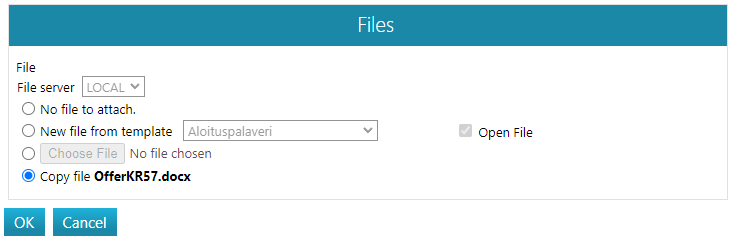
You can copy the document either with an attached file or without an attached file, or you can choose a new attached file for the copy.
Copying does not check-out the document for editing. Reservation must be done separately.
-
See: check-out document for editing.
For general information about documents: Documents and their handling.
Copy the document into a new document
(1) Select the document to be copied.
(2) Choose the action Document > Copy.
(3) Edit property information.
(4) Add connections if necessary.
-
Note that some connections, such as the connection to a project, may be defined as mandatory.
(5) Select the related file.