General
Sometimes documents may have incorrect reservation information, or the document may be in a faulty state where, for example, you cannot attach a file to it or restore a modified file.
-
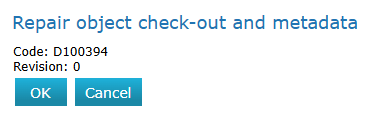
The interface includes a Fix function to correct the issue.
-
If the object is reserved by a user, only the main user can fix the object.
-
Note that the Fix function may remove associated files from the document, so make sure you have copied them for safekeeping whenever possible.
Repair a corrupt document
(1) Select the document.
(2) Choose the action Object > Fix (Where Object could be, for example, document, template, or drawing).