
Ongelma: Vertex ohjelman käynnistys antaa esimerkiksi kuvan mukaisen virheilmoituksen:
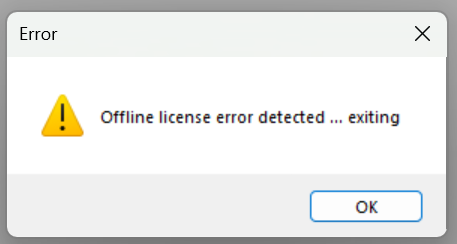
Ratkaisu: Netvid lisenssin pitää pystyä ottamaan yhteyttä Vertexin palvelimeen 10 vuorokauden välein. Yhteydenoton voi estää esimerkiksi jokin tietoturvaan tullut päivitys. Jos yhteydenotto Vertexin palvelimelle on estynyt, seuraavat asiat pitäisi tarkistaa.
Teknisesti NetVID ottaa yhteyden WinHTTP -protokollalla internet-verkkoon osoitteeseen https://ls.vertex.fi (tcp/port 443)
ja se tulee olla sallittu.
Käytä Windowsin Powershell-kommentoa:
-
Pääsy Vertex lisenssipalveluun
PS C:\> tnc -Computername ls.vertex.fi -port 443
ComputerName : ls.vertex.fi
RemoteAddress : 195.197.188.81
RemotePort : 443
InterfaceAlias : Ethernet
SourceAddress : x.x.x.x
TcpTestSucceeded : True -
Onko winhttp proxy arvossa direct?
C:\>netsh winhttp show proxy
Current WinHTTP proxy settings:
Direct access (no proxy server).
Tällöin WinHTTP proxy arvossa on Direct