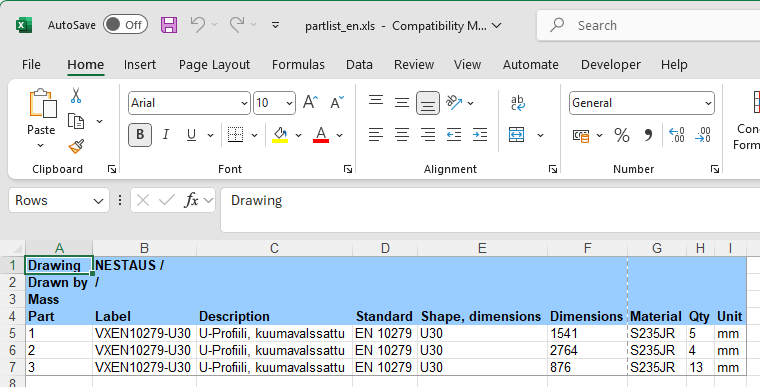
Parts lists are now collected according to the UI language
This speeds up and makes it easier to produce multilingual parts lists and to use them.
Previously, you had to collect parts lists using different formats, depending on whether you wanted Finnish or English parts lists.
Now you can collect the illustrated cut list language-dependently based on which UI language is selected at the moment of collecting the list.
First, change the UI language from the menu File -> User Settings -> Language, Auto Save, Flow.
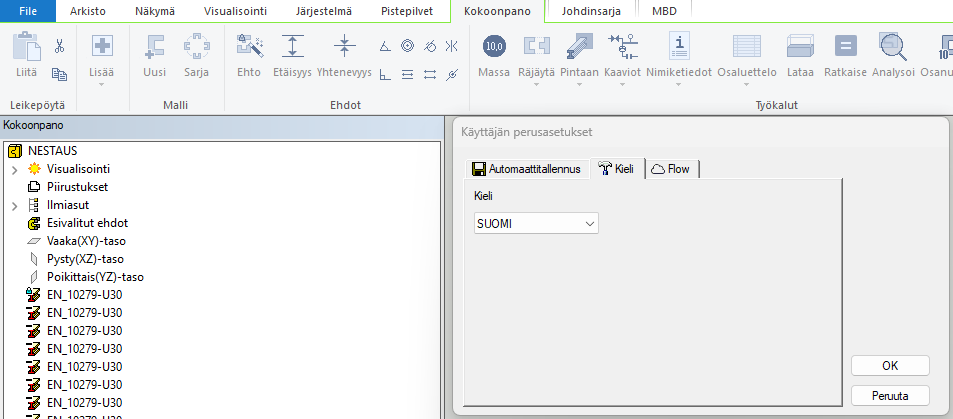
After this, you can collect the illustrated cut list.
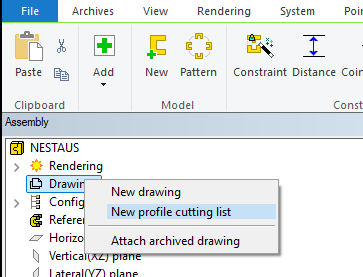
In this case, the cut list will be in English.

The same functionality also applies to parts lists collected to Excel.