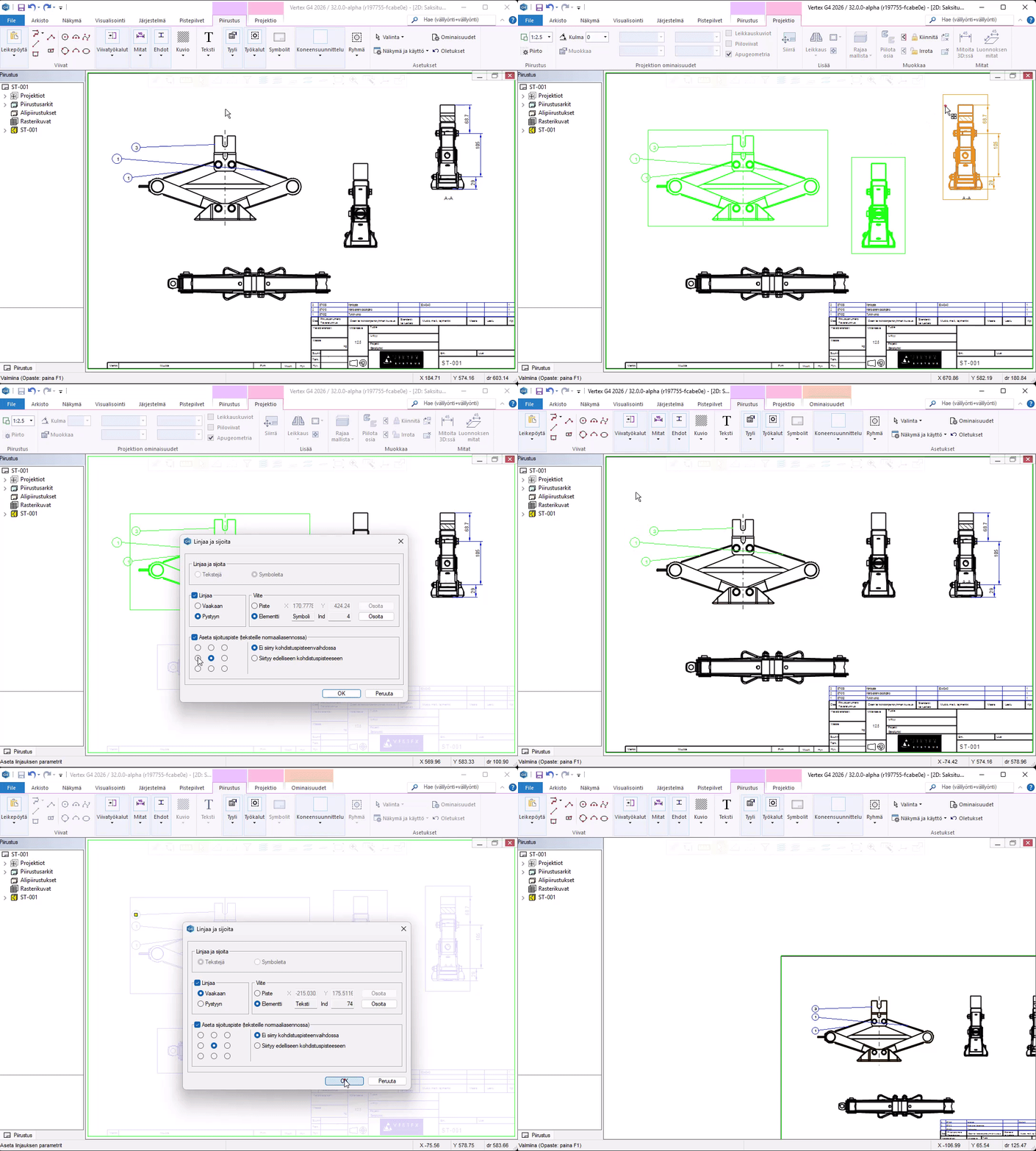
Easily align elements to an even line
Now you can easily place texts, dimensions, and projections on the same line. The new alignment tool makes it easier to create impressive drawings.
The new “Align and Arrange” function makes it easier to manage the appearance of a drawing.
With this function, you can align the selected elements to the same edge or center line based on the text’s or element’s insertion point. This way, you don’t need to draw helper lines or use constraints to position texts and annotations in the drawing.
With the tool, you can position elements relative to each other, either based on the elements themselves or based on a point indicated in the drawing. This makes, for example, placing part number balloons easier.