Save space and time when saving
We’ve introduced a new compression method. Compression is now faster than ever.
Improved compression
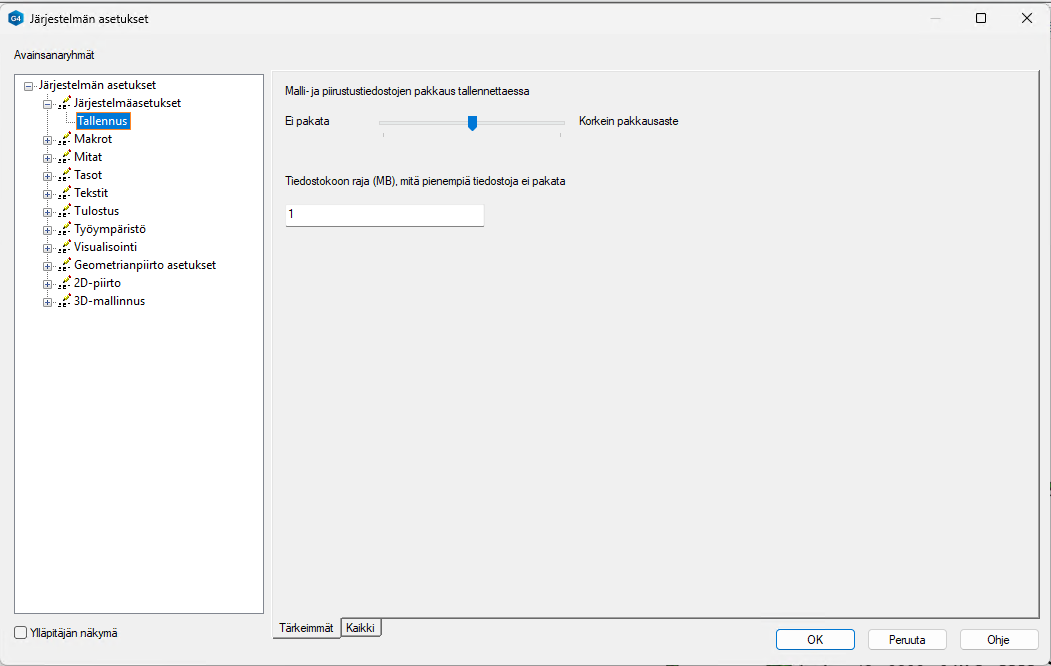
The software now features more efficient compression for saved files. You can adjust compression performance in the system-specific settings. Under Save, you’ll find the function shown below, where you can choose the compression level—how tightly the models are compressed. You can also set a file size threshold below which models are not compressed at all. This value can be set to zero, in which case all models are compressed.
The new compression method is not only more efficient than before, but above all faster. Especially when saving over a network, the speed improvement compared to the previous method is significant.