Highlight the critical areas of your strength analysis model even more easily
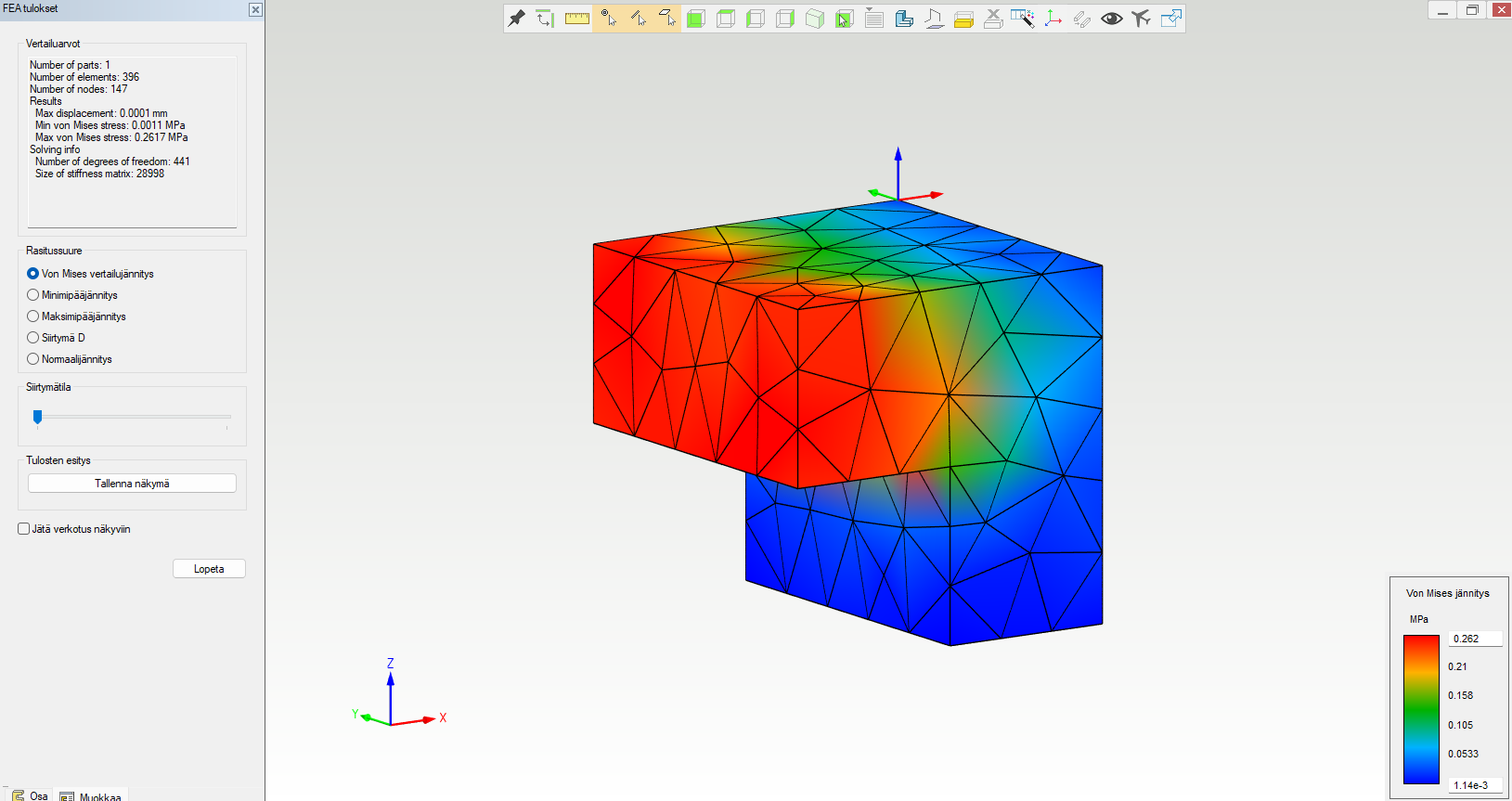
If the applied loads are small and the areas being examined are small compared to the overall dimensions of the part, the color scale of the FEA results may be too simplistic. Now you can change the scale yourself.Alla on esitetty esimerkin omaisesti oletuksena asetetut minimi- ja maksimiarvot, jotka on laskettu kyseiselle mallille tietyssä kuormitustapauksessa.
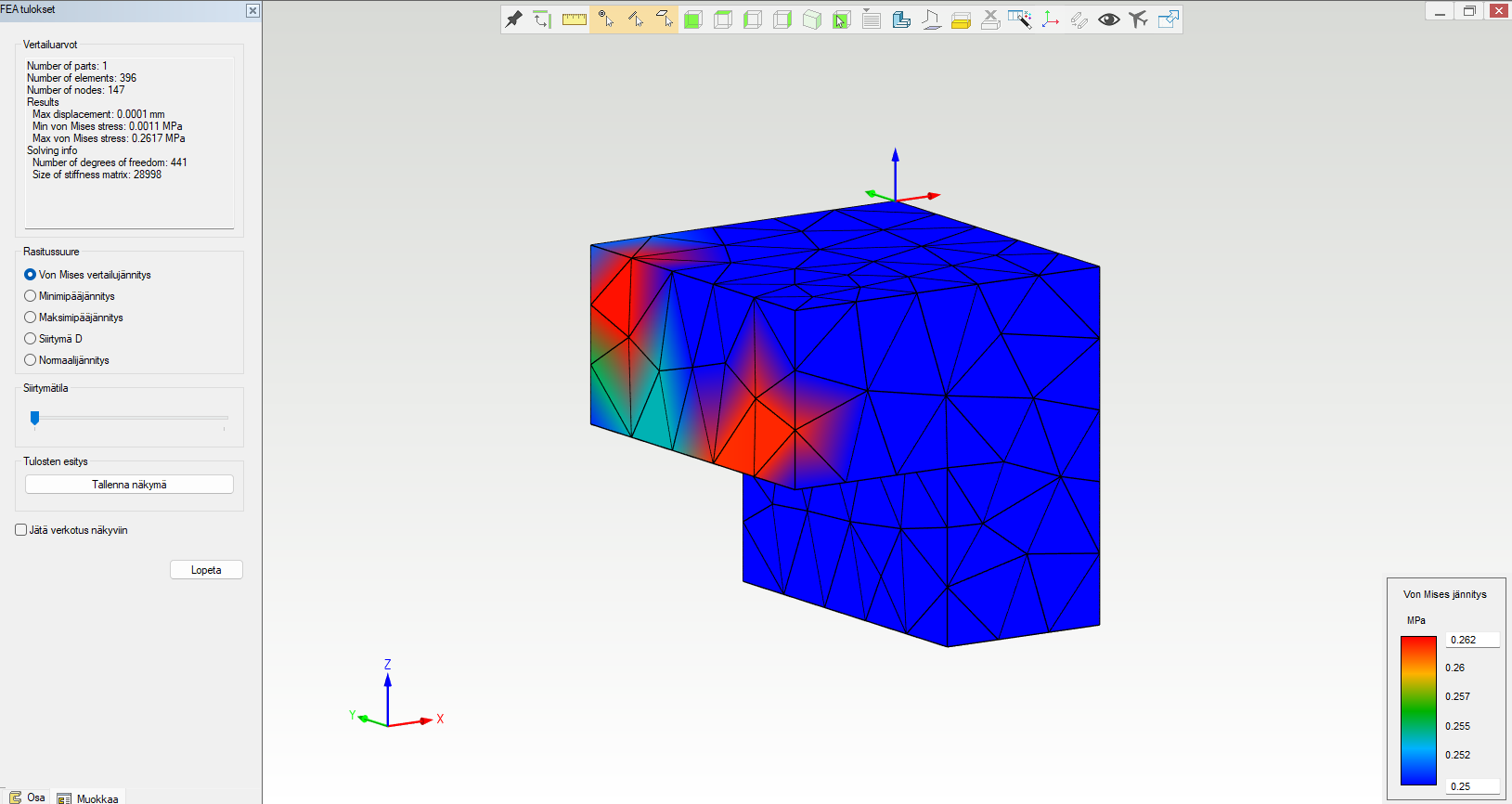
When you change these values in the dialog in the lower-right corner (the top and bottom values), it becomes easier to identify, for example, points that are critical in terms of stress. Below, the minimum value has been adjusted so that everything except values above it is shown in a bluish tone.