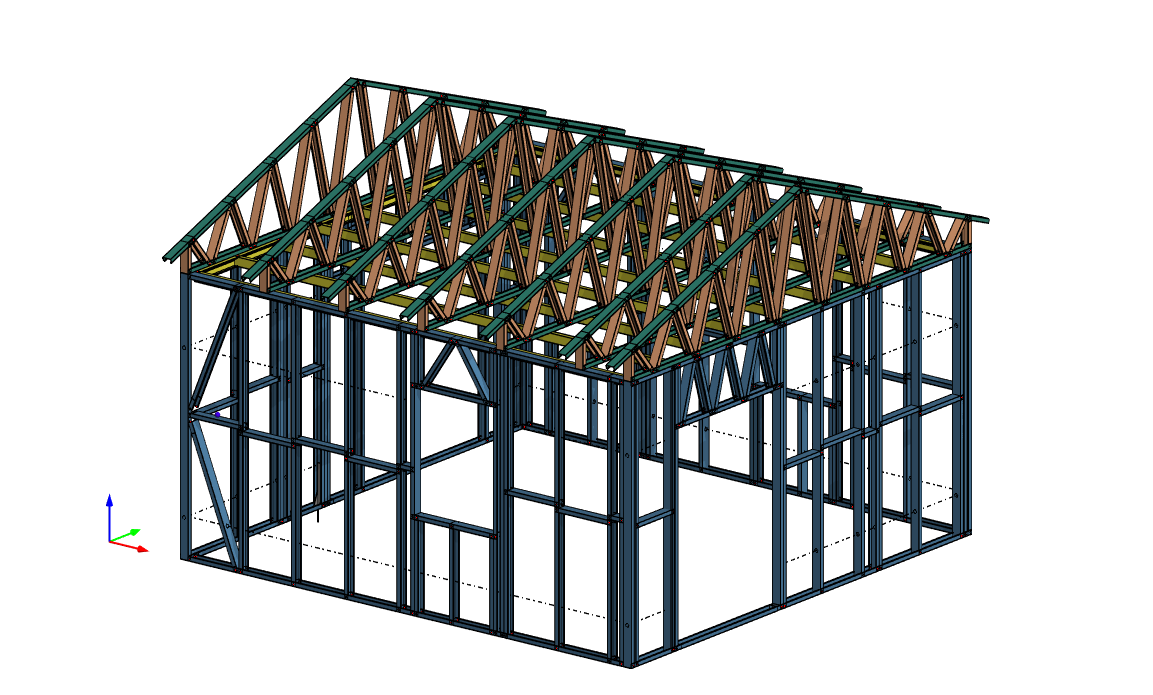
Improvements for all light gauge steel environments
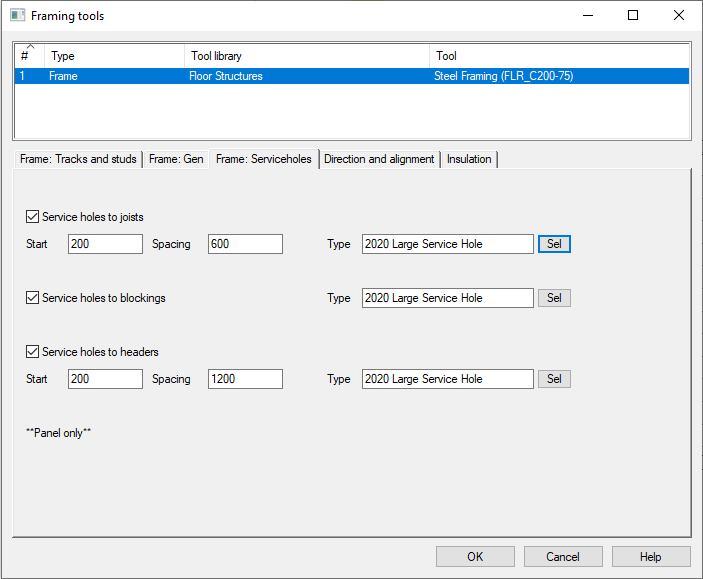
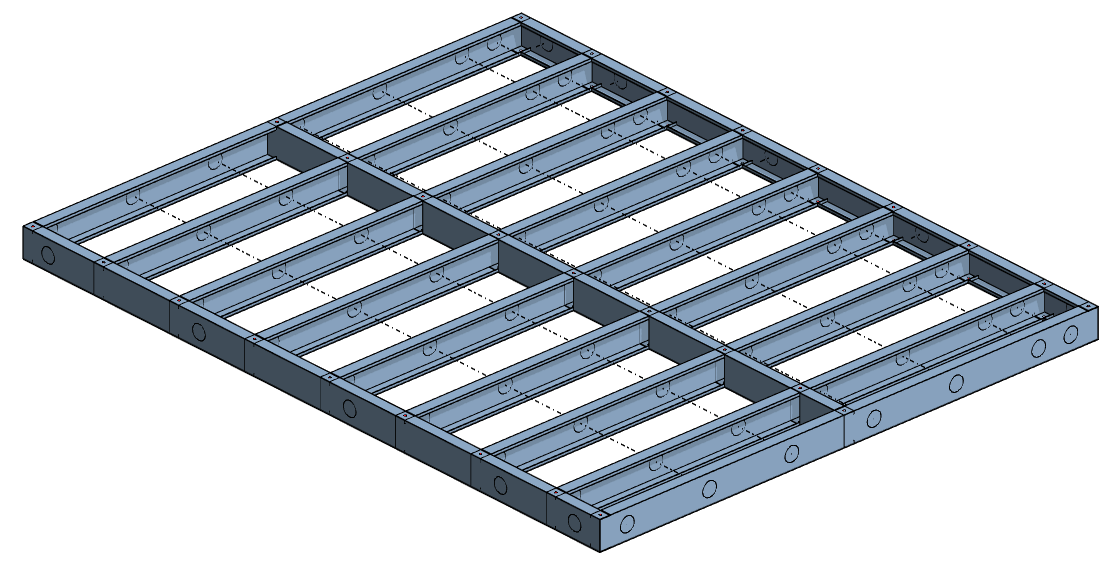
Automatic holes to floor panels
Pick hole type from the Light Gauge Steel -> Area tools browser and set start and spacing saving hours of manual work
New portal framing options
Two new on-edge portal framing options were added to the Truss Structures function.
New End tabs options
End tabs can be outside or straight
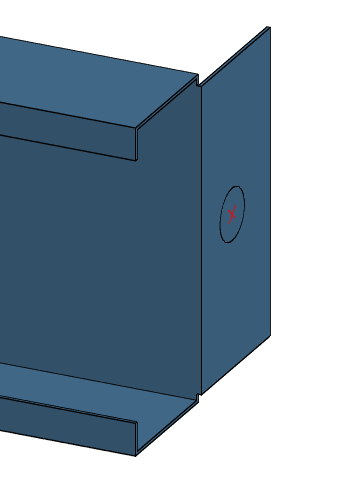
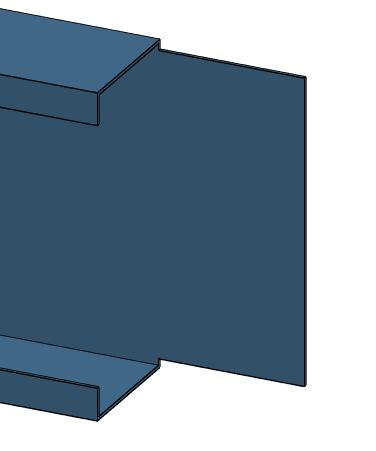
End tabs be now be written as flange notches
To write end tabs as flange notches change the NC mapping from
custom_feature_map = "END TAB" 0 438 0 UNDEFINED
to
custom_feature_map = "FLANGECUT L|FLANGECUT R" 0 438 0 UNDEFINED
Panel to panel connections and anchors now support subtraction models for web and flange holes
Previously these connections were fixed to work with single hole or triple hole on the web. Now it is possible in the profile properties file (profprop) to specify a model for the web and flange holes
mat_param= S.NC.WEB_HOLE_SIZE 14
mat_param= S.NC.WEB_HOLE_SHP MODSUB
mat_param= S.NC.WEB_HOLE_MODEL web_flange.vxm
mat_param= S.NC.WEB_HOLE_QTY 1
mat_param= S.NC.WEB_HOLE_SPAC 25
mat_param= S.NC.WEB_HOLE_MODE 1
mat_param= S.NC.FLANGE_HOLE_SIZE 14
mat_param= S.NC.FLANGE_HOLE_SHP MODSUB
mat_param= S.NC.FLANGE_HOLE_MODEL web_flange.vxm
New regional details for metric steel versions
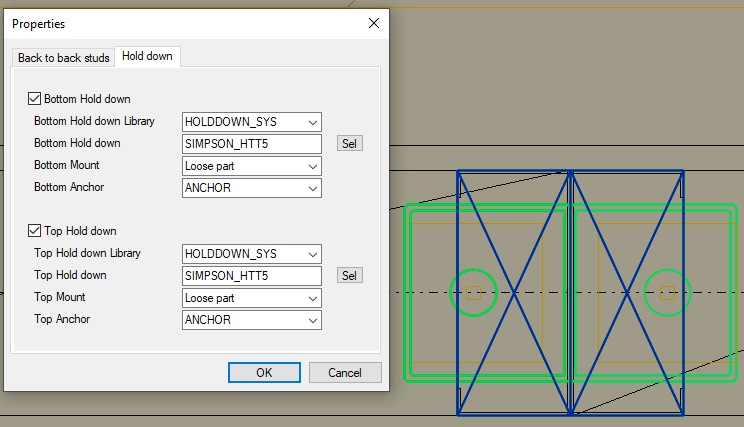
New back to back stud with hold downs top and bottom of stud
New parametric framing edge lines - cutting beams flush top and bottom
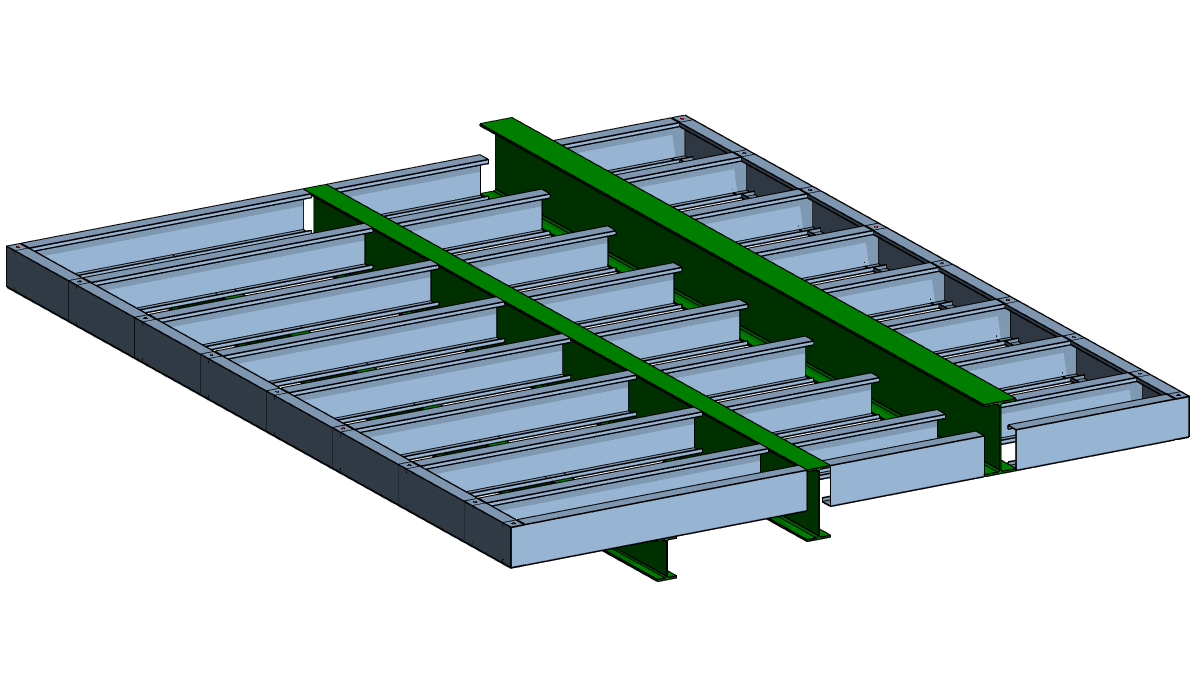
Improved colours to 3D frame model
Floors are light blue, ceilings and roofs are now yellow, trusses are orange and green, wall colours remain unchange