

Panel assembly feature
Why: The feature brings a user interface for defining panel assemblies, which previously existed only as a proof of concept (POC) without a proper UI.
NOTE! Not possible to trusses
VXBD-3914
Define panel assemblies
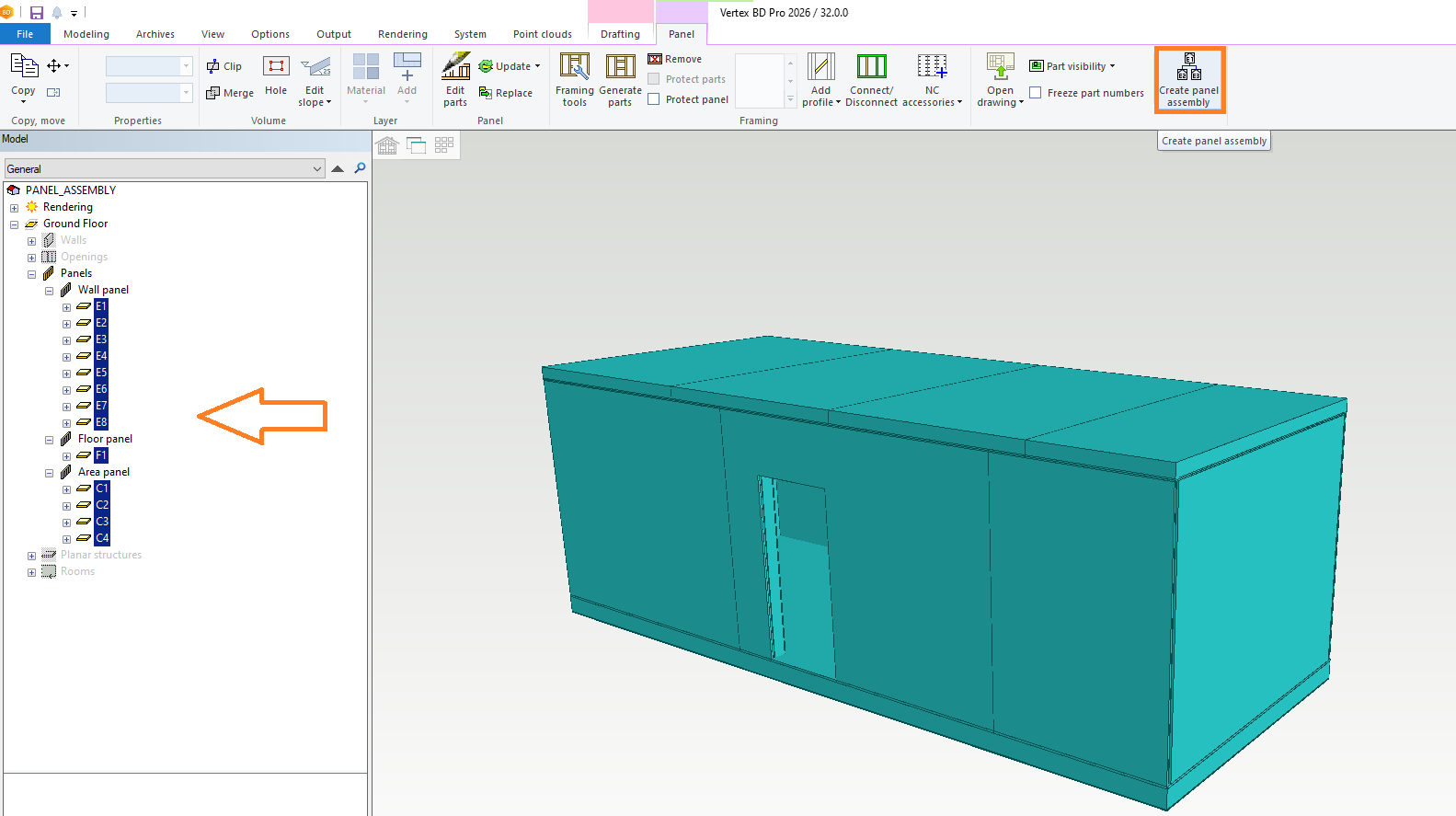
Panel Selection and Assembly Definition: Users can select panels from the model tree or layout, and the assembly function is accessible from the Ribbon.
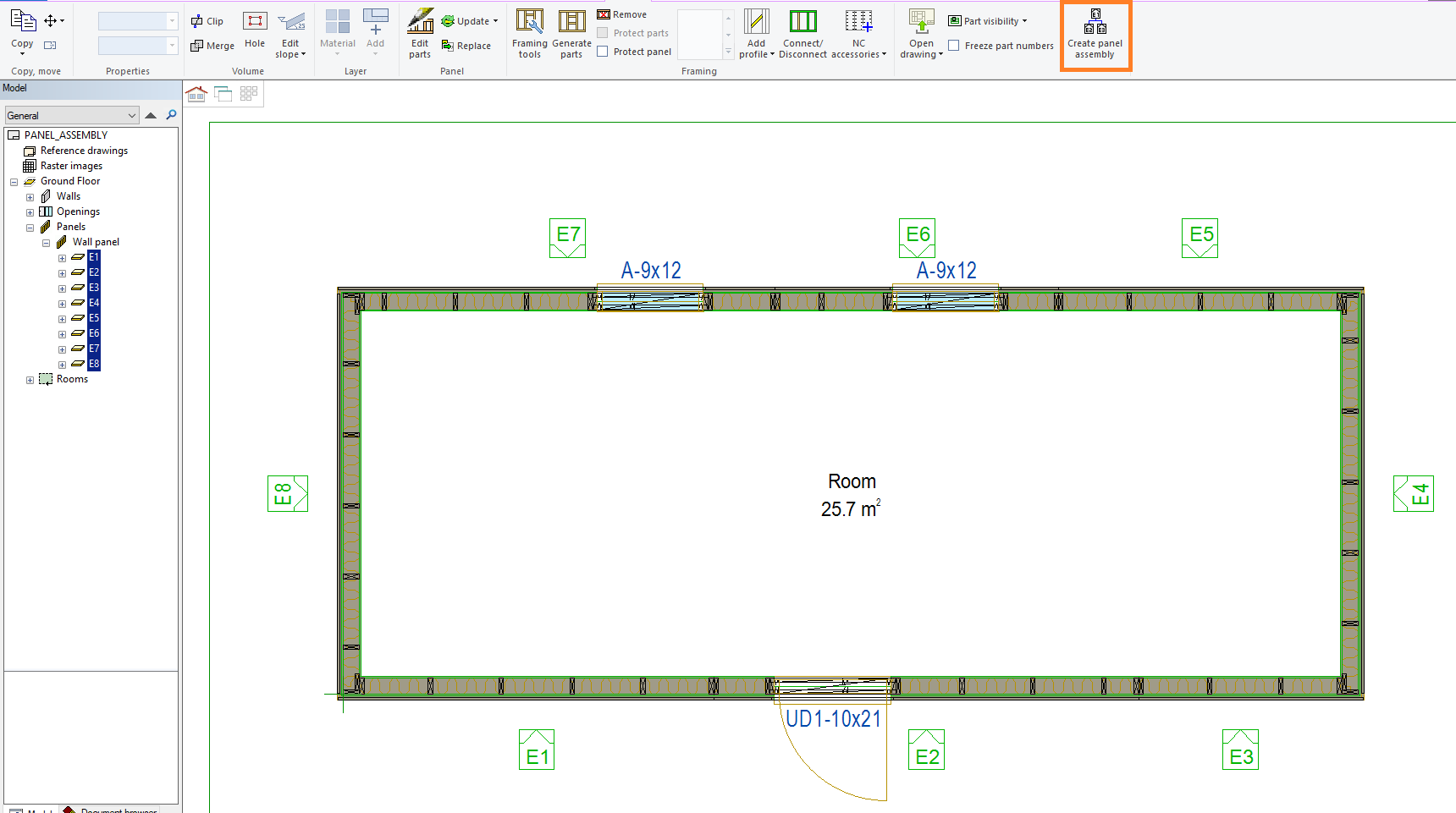
Panel assembly drawings
New templates have been added for prefab unit purposes, with label presentations sourced from the layout. Additional schedules are available if assemblies contain other assemblies.
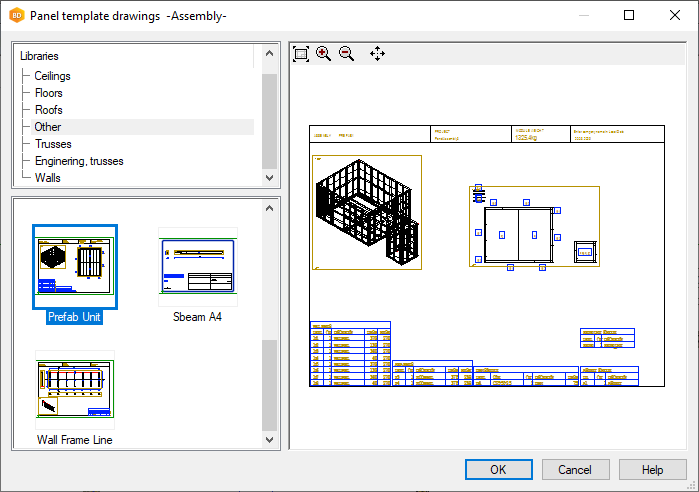
Label presentation is from layout
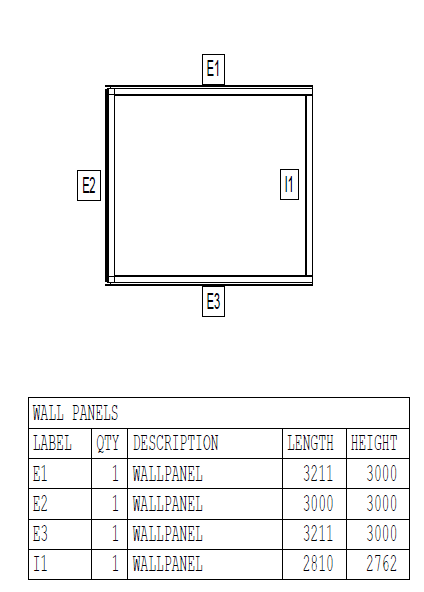
Few new schedules made if you have Assemblies in assemblies
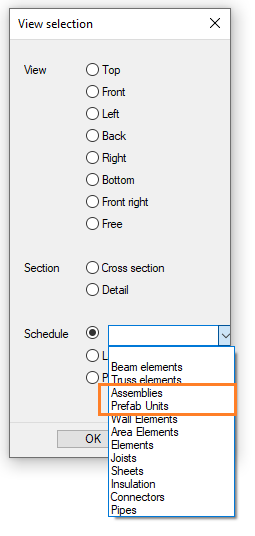
VXBD-4030
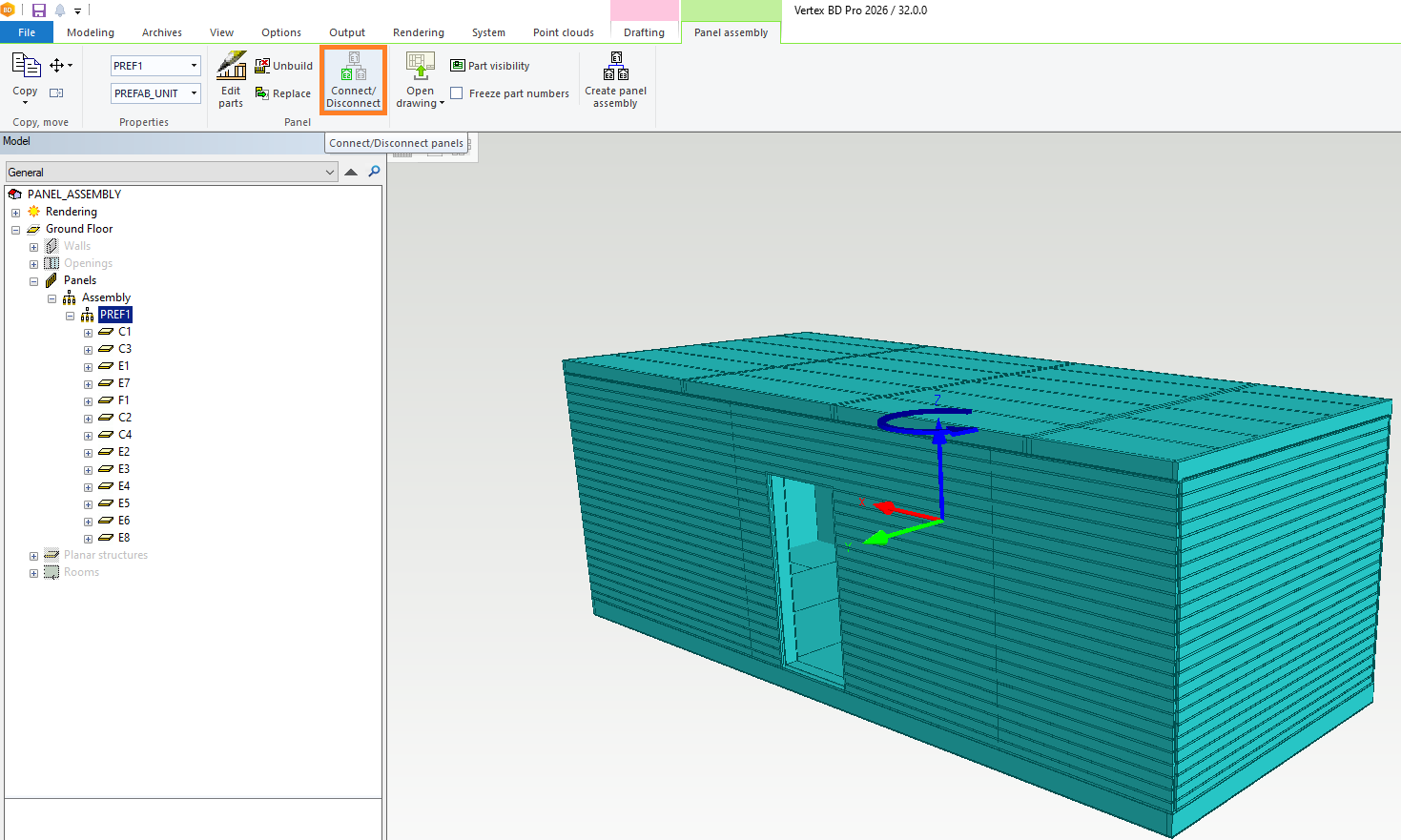
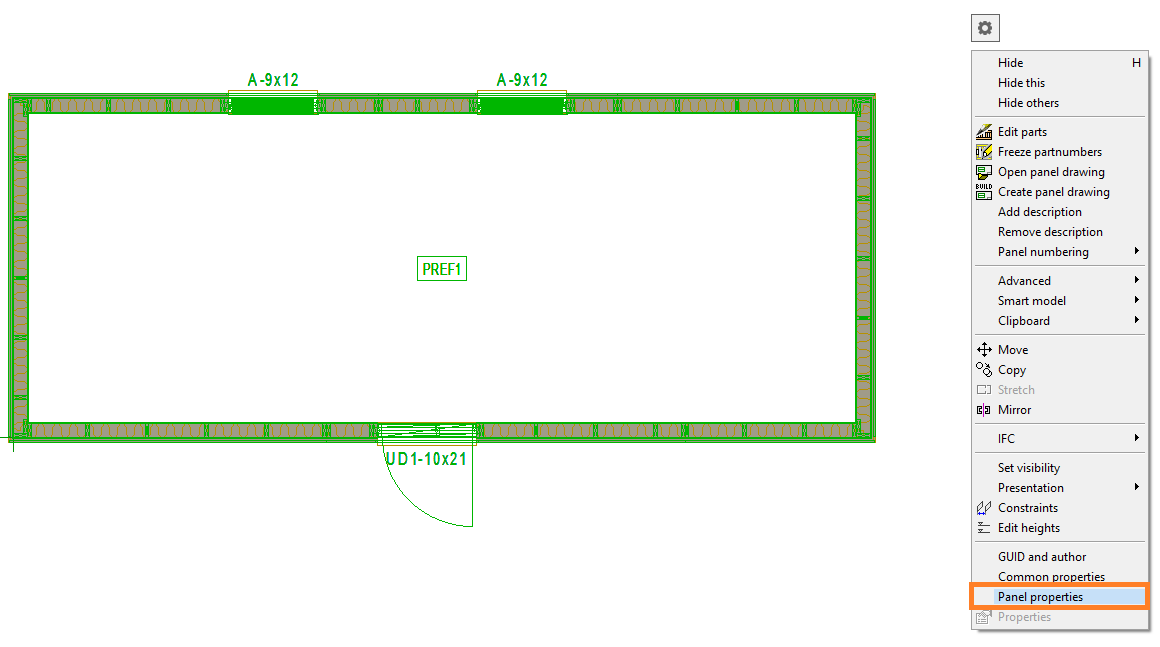
Edit connected panels
Support for editing connected panels, including the use of a parts filter.
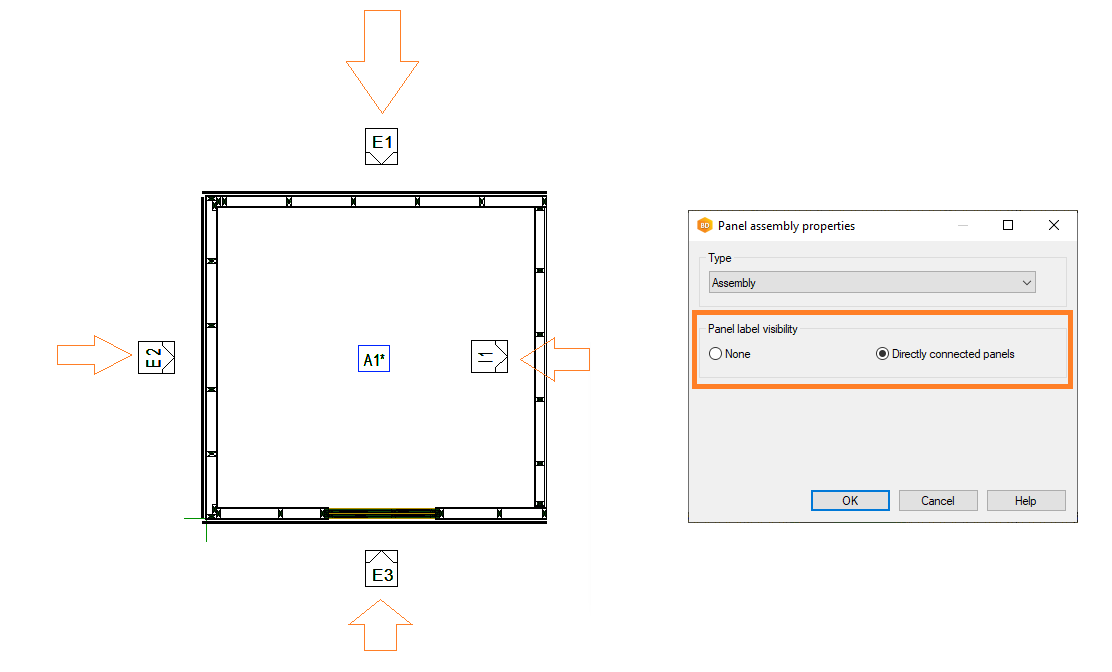
Ability to edit properties of panel assemblies.
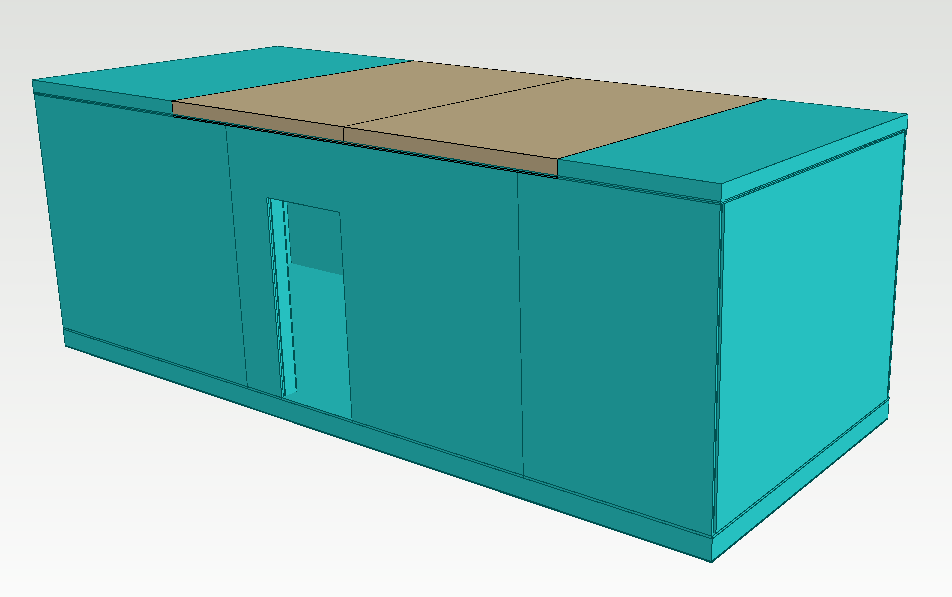
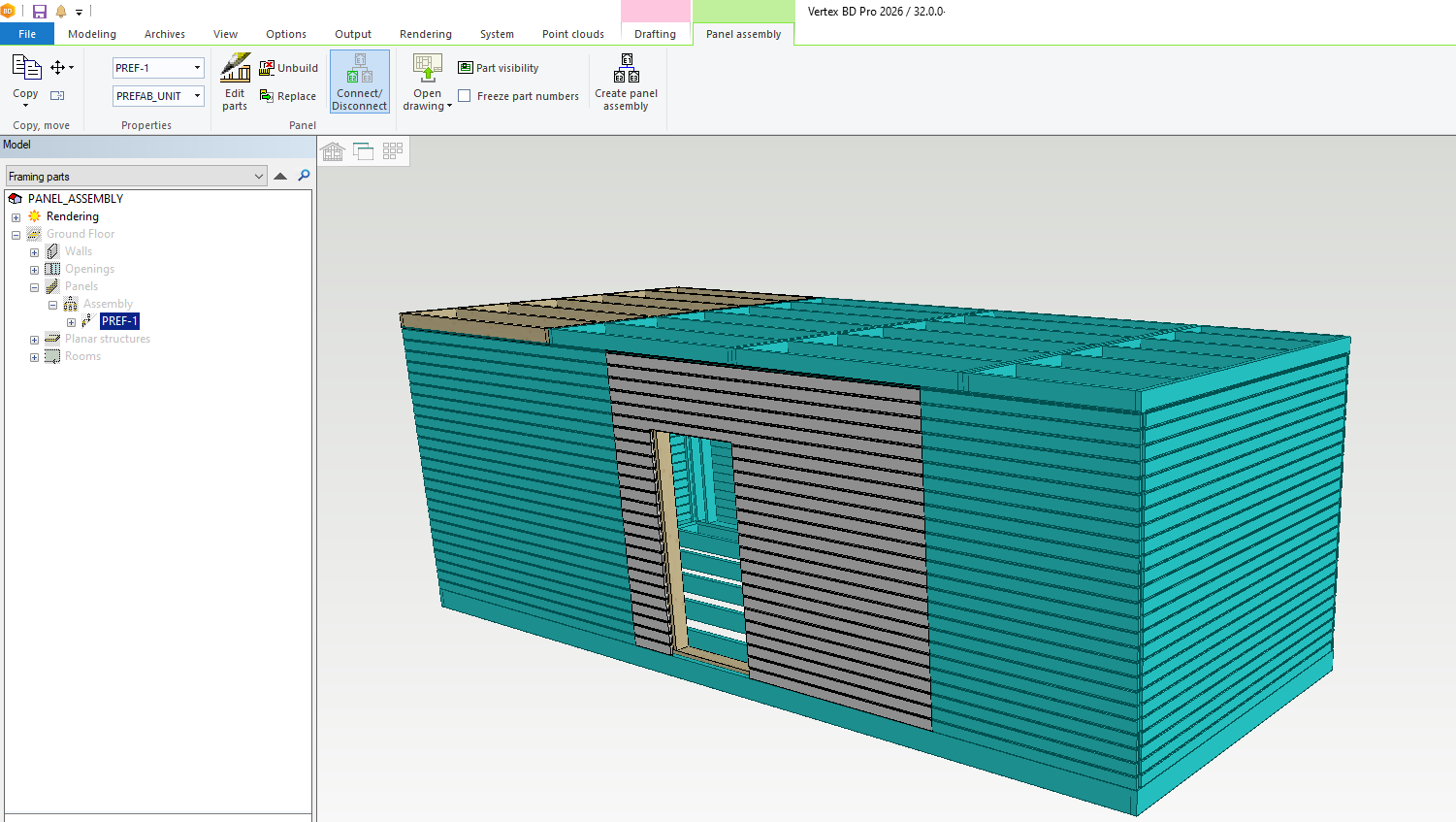
Support also with Parts filter
Edit properties of panel assembly
Stacking support for panel assemblies
The feature introduces stacking support for panel assemblies.
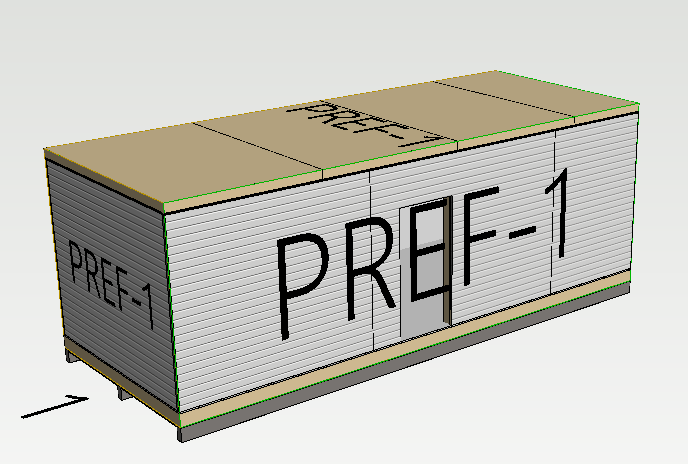
Panel assembly typing
New labels supported with Sync integration
-
Assembly
-
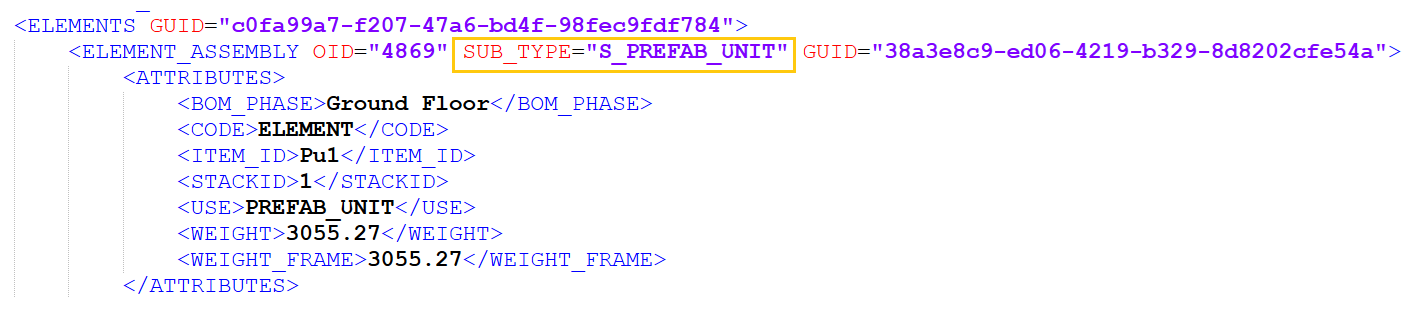
Prefab Unit
Sub types are also available in components.xml to reports
Add possibility to show panel assembly ID in NC output dialog
There is an option to display the panel assembly ID in the NC Output dialog
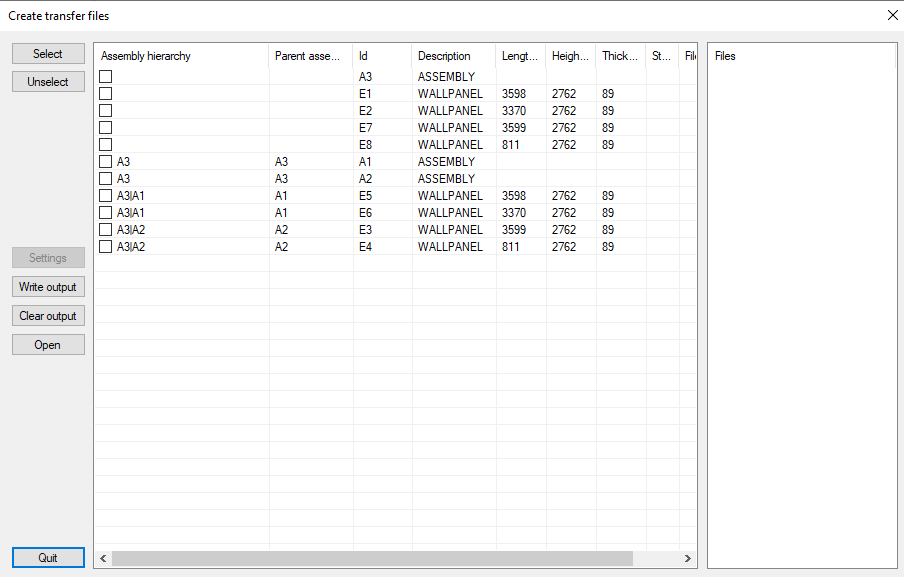
New dialog fields are now available in dev:
-
19: Parent panel assembly Id
-
20: Panel assembly hierarchy
VXBD-4194
These improvements are part of the BD 2026 release and are designed to streamline the management and documentation of panel assemblies in building design projects