
Starting with Vertex BD 2026 (32.0) you can check the validity of IFC-file with the IFC Validator function. You can find this function from IFC-menu.
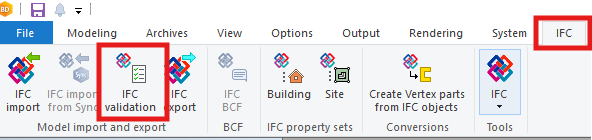
With Validator you browse and select the IFC-file. Validator gives you a dialog, which shows possible errors.

With Open folder you will find a log file (xxxx_ValidationLog.txt) from same location where original file is.
You can open this txt-file with any text editor.
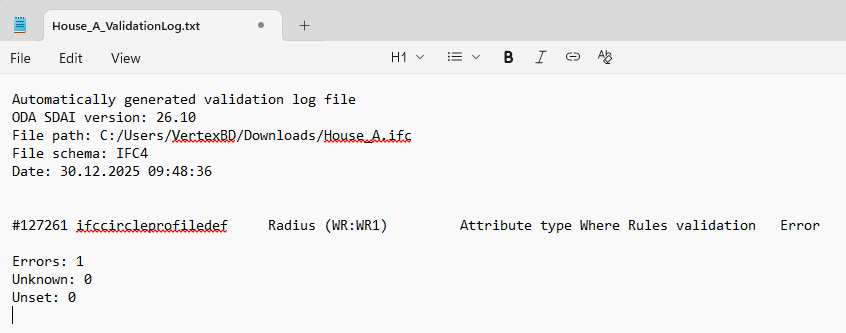
In this example you can see there is 1 error, which is located on line number 127261.
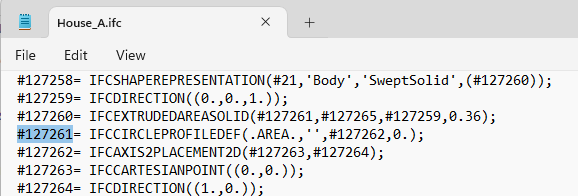
You can check related IFC definition e.g. from Google, which usually points to buildingSMART pages.
You can try to fix the error or you can just remove that line or just ignore the error (depending how serious the error is).
Check also how the IFC file looks like in IFC viewer e.g. Solibri.