
Model-Based Definition (MBD) conveys functional product information through a 3D model the 3D viewer supports viewing the MBD markings.
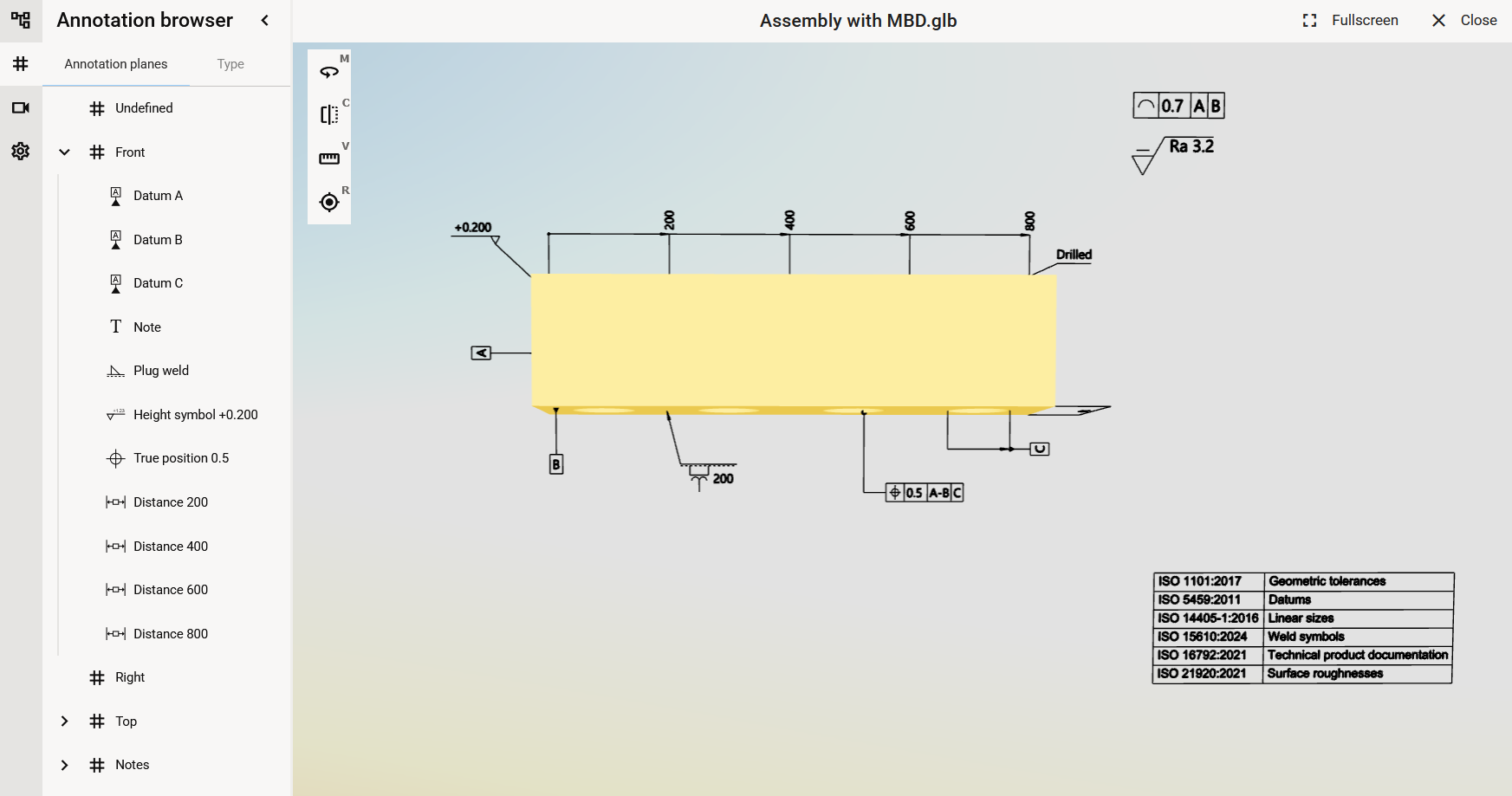
Annotation Browser
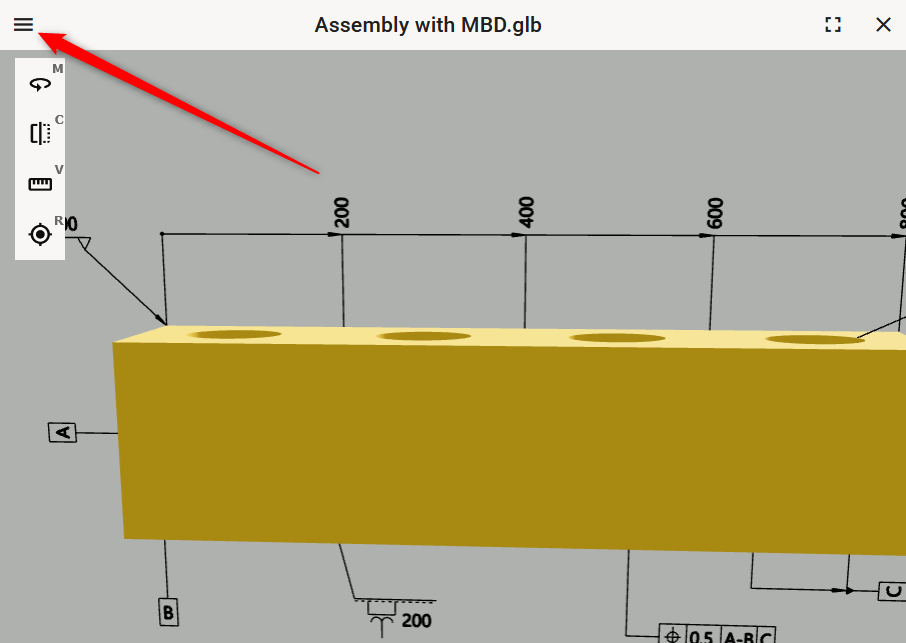
Open the Annotation Browser to manage and review all annotations within your model.
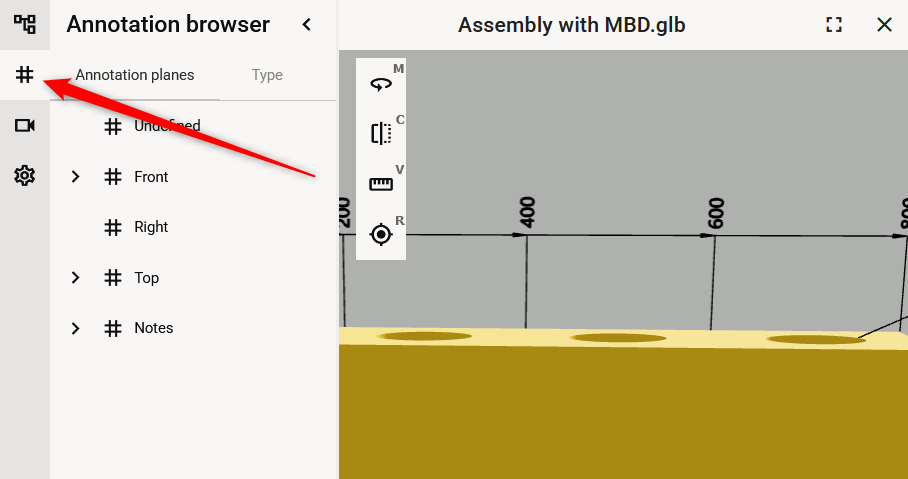
Annotation planes and Type views allows to investigate the markings according to the planes they are attached or by the marking type. Click the plane or type to see all the markings attached into the plane or all markings of the type.
Annotation Planes
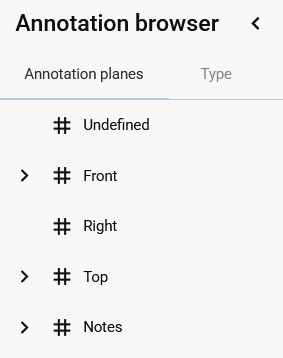
Select ‘Annotation planes’ tab to investigate MBD -markings according to planes they are attached into.
Type
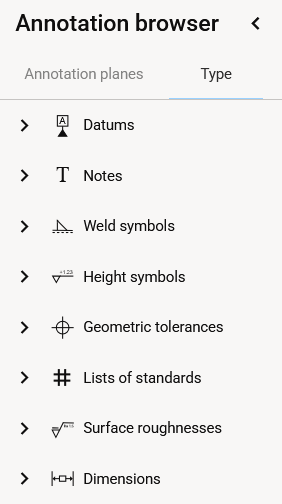
Select ‘Type’ tab to investigate MBD -markings according to the annotation type.
Hide Markings
Markings can be easily hide one by one or even all the marking on single or several planes at once.
Select the marking, plane, type or several and open the context menu. On desktop devices click the mouse 2nd button, on the mobile long press. Select ‘Hide’ from the menu.