
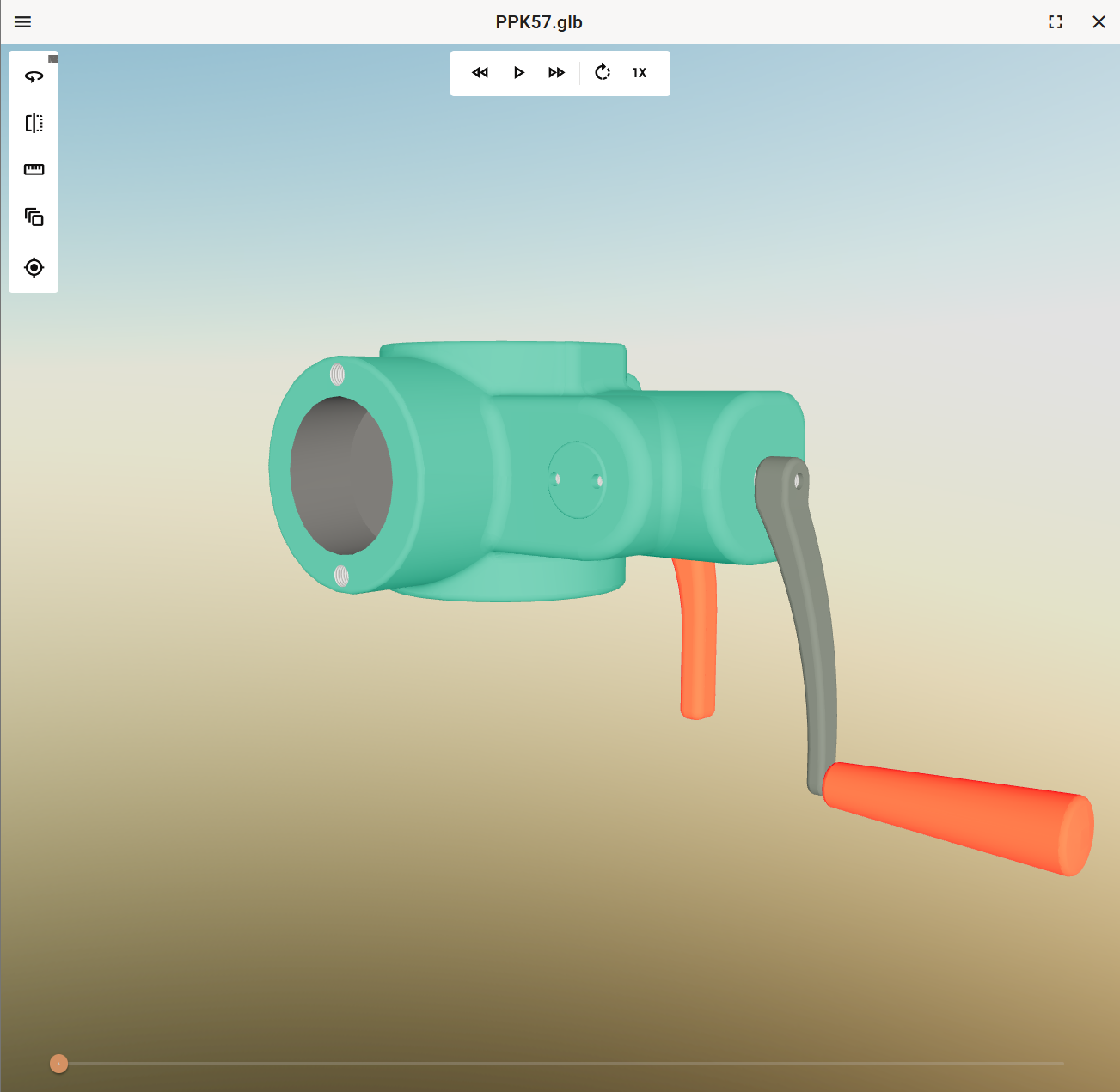
Models may include two types of animations:
-
Vertex G4 models may include explosion animations.
-
Vertex InD models may include door opening/closing animations.
Explosion animations

Click the Explode tools button or press to open the animation controls.
Opening the animation controls hides all the other controls from the top of the screen to ensure a larger view area for the animation itself.
Note: If the model does not include an explosion animation, the button is disabled.
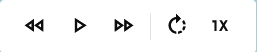
Play / Pause
Click the button or press to start the animation.
To pause the animation, click the button or press .
You can step forward and backward in the animation's key frames by clicking the and buttons.
You can jump quickly to any point in the animation by dragging the slider to the desired point.
Playback modes
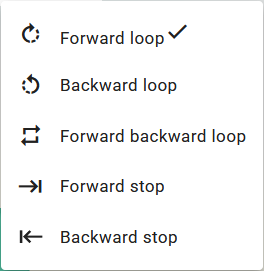
Explode animations have five different playback modes:
-
Forward stop and Backward stop plays the animation once and then stop.
-
Forward loop and Backward loop start the animation automatically continue the animation again.
-
Forward backward stop automatically starts the playback backwards after reaching the end and vice versa at the start.
Playback speed
You can adjust the playback speed with speed slider . Toggle the slider by clicking the button.
Door opening/closing animations
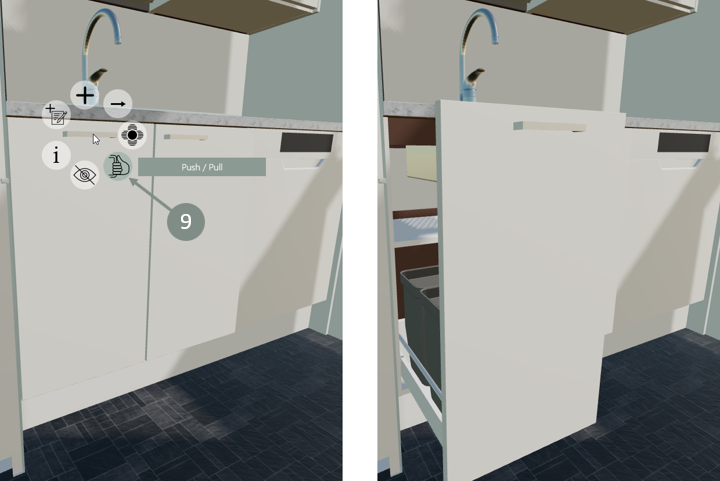
Push / Pull
To open a door in the model, move the cursor over the door, right-click and select Push / Pull . Close the door in the same way.
Note: The button is only visible on objects with kinematics data.