We presented these reforms in the major version 32.0.0 (2026)
New features and improvements for drawings
Assign symbol quick‑selections instantly while inserting symbols — no separate database setup needed.
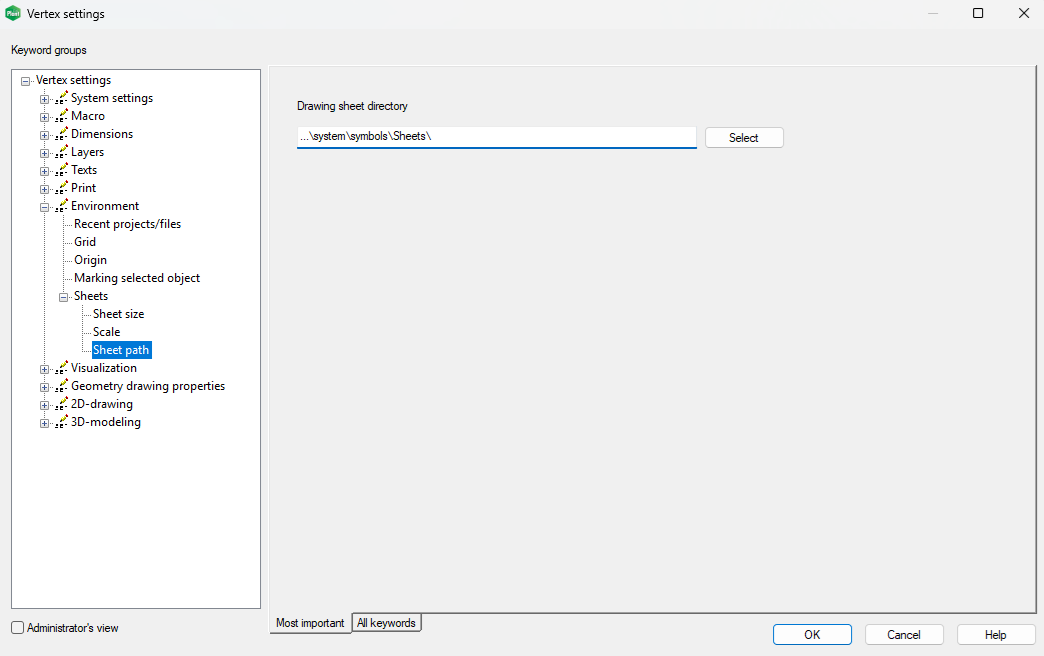
Define model drawing default sheet locations effortlessly right within the system settings.
Improvements to symbol handling
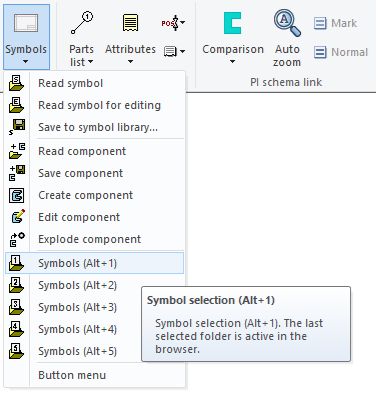
Selection directories for symbols are no longer defined through the database as before. The program now remembers the folder from which you last selected a symbol. As a result, the “selection folders” used by Symbol selection (Alt + 1..5) follow your previous choices and store them for the next use. The shortcuts Alt + 1..5 work with symbol folders when the active drawing is a regular drawing. If the active drawing is a diagram drawing, the same shortcuts work with the PI symbol browser. (Vertex ID: VXPLANT-813)
The path used for drawing sheets in model drawings is now defined in the system settings (see image below). These changes modernize the software and make its use more straightforward. (Vertex ID: VXPLANT-813)