We presented these reforms in the major version 32.0.0 (2026)
PI diagram symbols are now available in the libraries
PI diagram symbols are now stored in the libraries, which improves flexibility and clarity in symbol management.
The language of PI diagram symbols now follows the program’s user interface language, so separate language‑specific symbol sets are no longer needed.
You can customize the PI diagram symbol set by activating or deactivating libraries or individual symbols.
PI diagram symbols now in the libraries
We moved the PI diagram symbols from the symbols directory into the complibs libraries. This brings significant improvements to how PI diagram symbols are managed and used. From now on, the language of PI diagram symbols automatically follows the program’s user interface language, and separate language‑specific symbol sets are no longer needed. You can customize the PI diagram symbol set by activating or deactivating libraries or individual symbols. You can also easily create your own PI diagram symbol libraries. In the default configuration of our standard libraries, PSK 3605 and Vertex PI diagram symbols are active. The PSK 3601 library is deactivated by default. (Vertex ID: VXPLANT-861)
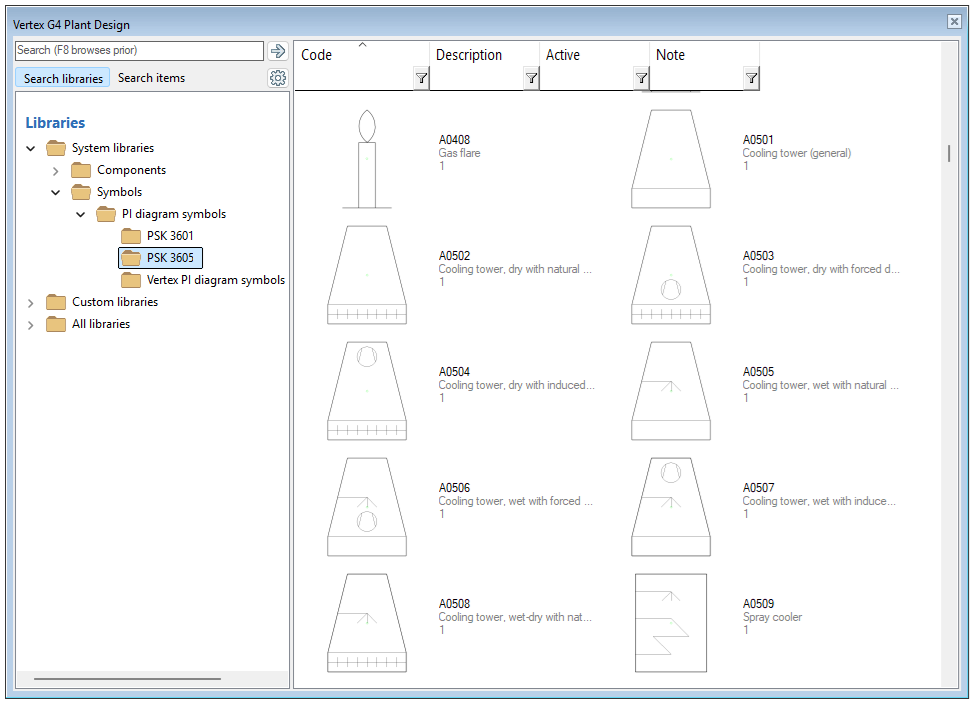
Existing custom PI diagram symbols located in /shared/symbols/ are converted into a new complibs library when the new major version is launched for the first time. The program performs the conversion for those symbols whose information is found in the d_SYMBOLTYPE database table. After the conversion, the new library (folder) is created under /custom/complibs/. The library folder is automatically assigned a unique ID. You may rename the folder to a more descriptive name, but it must remain unique. You can find the converted library in the Libraries view (System tab > Libraries) under the folder Custom PI diagram symbols. If you need more information, feel free to contact our support service!
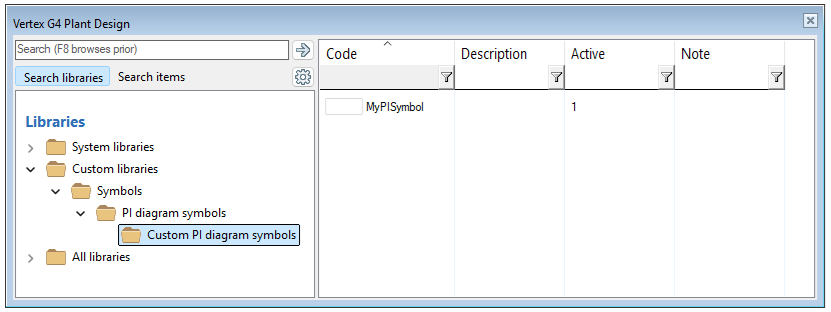
Storing PI diagram symbols in libraries slightly changes how they are managed in Flow. User‑edited and user‑created libraries (complibs) are located in the program’s custom folder. This means that PI diagram symbols are now distributed in Flow through vxcustom.zip (Distribution of Customer-Specific Settings via Flow). In practice, adding PI diagram symbols to Flow can now be done only by administrators. If you need more information, please contact our support service!
Improvements to PI diagram symbol handling
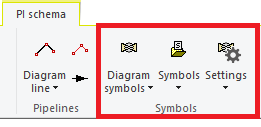
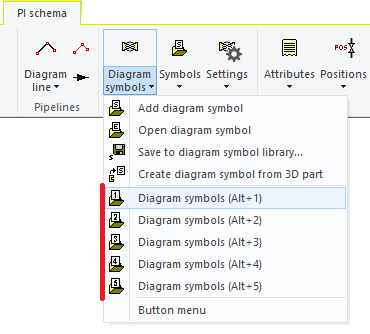
We improved the usability of symbol functions by separating the PI diagram symbol functions from general symbol functions. We also reorganized the ribbon so that symbol‑related functions are now grouped into three clear sections: Diagram symbols, symbols, and settings. Saving a PI diagram symbol is now available both through the Diagram symbols menu using the function Save as PI diagram symbol and through the context-sensitive menu using the same function. (Vertex ID: VXPLANT-861)
Selection directories for symbols are no longer defined through the database as before. The program now remembers the folder from which you last selected a PI diagram symbol. As a result, the “selection folders” used by Diagram symbol selection (Alt + 1..5) follow your previous choices and store them for the next use. The shortcuts Alt + 1..5 work with PI diagram symbol folders when the active drawing is a diagram. If the active drawing is a regular drawing, the same shortcuts work with the standard symbol browser. (Vertex ID: VXPLANT-813)
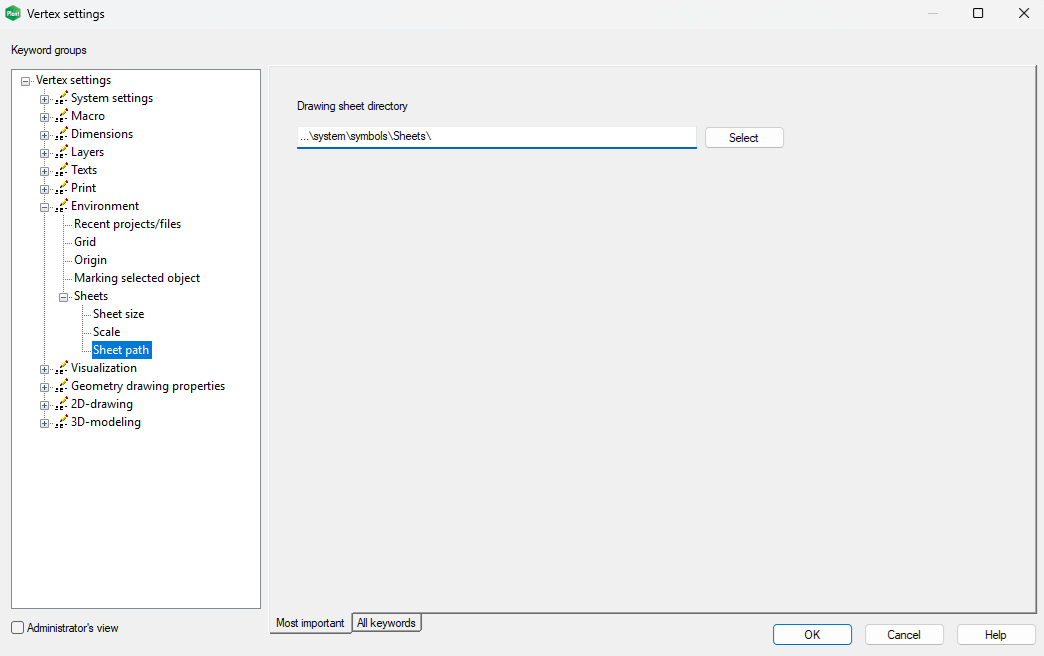
The path used for drawing sheets in model drawings is now defined in the system settings (see image below). These changes modernize the software and make its use more straightforward. (Vertex ID: VXPLANT-813)