
Purpose of use
The manufacturing details of the item structure are usually specified in the ERP system after the item has been transferred. You can, however, enter some manufacturing data - like phase or activity - to the structure in Flow if this is specified in the company practices. The activity field of a part is intended to indicate the type of manufacturing work (such as welding, machining, etc.) required to join that particular part into the assembly.
Functions
Create a new activity
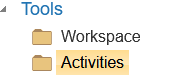
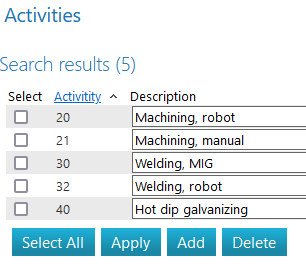
Select “Activities” and then in the opening dialog “Add”.
Using the activity
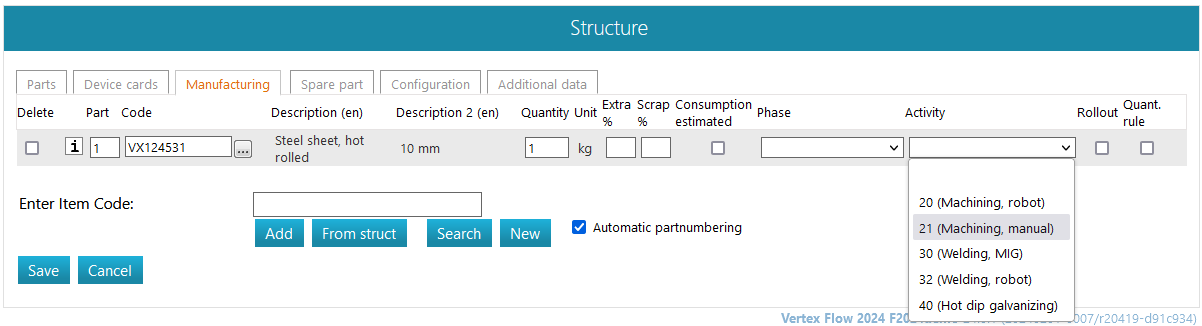
To set an activity for the item structure row, select the desired activity from the drop-down list.
Links to general instructions