General
With advanced search, you can search for objects by entering search criteria into the fields of the object's search card.
-
It's advisable to resort to advanced search when Quick Search - Search by string finds too many objects in your opinion.
Make a detailed search by object type
Perform a search
(1) Select the Archive tab.
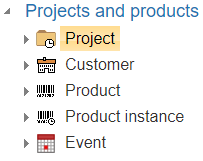
(2) Choose the Object Type for which you enter search criteria.
-
Flow opens the search card for the respective object.
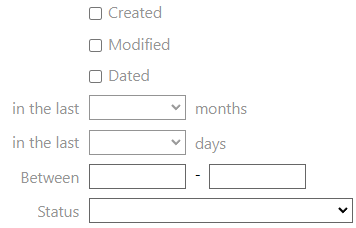
(3) Enter the search criteria into the necessary fields.
-
Good search criteria include time frames related to the creation or modification of the object.
-
From Flow version 26.0 onwards, it is possible to search for objects where a text field is missing a value. You can enter the special character combination ““ (two quotation marks): the search will find objects where the field is empty.
(4) Select Search.
-
Flow informs about the number of search results.
-
Flow presents the search results either as cards or as rows.
Adjust the search criteria if necessary
(1) Select the Edit Search function.
Flow opens the previous search card, where the entered search criteria are saved.
(2) Enter or modify the search criteria.
(3) Select Search.
Flow informs about the number of search results.
Flow presents the search results either as cards or as rows.
Make a detailed search regardless of the object type
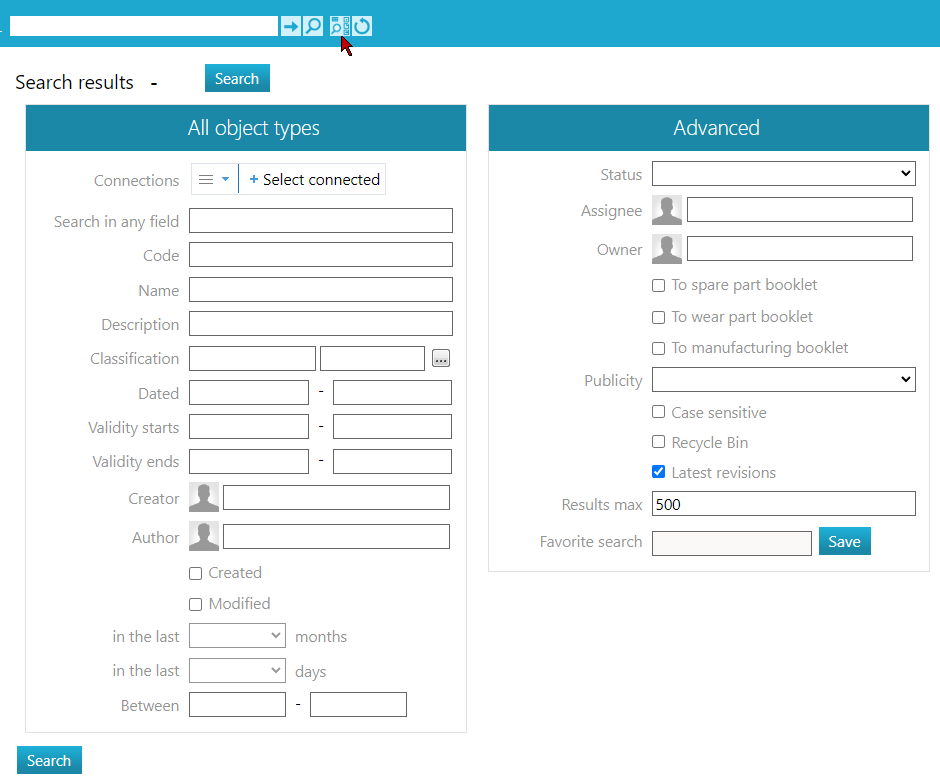
To bring up the advanced search card for all object types, select the action next to the quick search field:
Open the search page for all object types.
-
The card includes fields that are common to the majority of object types.
Search for multiple objects using a list of Codes
You can search for multiple objects using the wildcard character (*). Starting with Flow 2027, you can also search for multiple objects by entering a list of object codes in the Code field, separated by commas, semicolons, line brakes, or spaces.
-
For example, if you enter
10300, 14567, 12345, 10333as the search criteria, Flow returns exactly those objects in the search results (available from Flow 2027 onwards).