
Usability
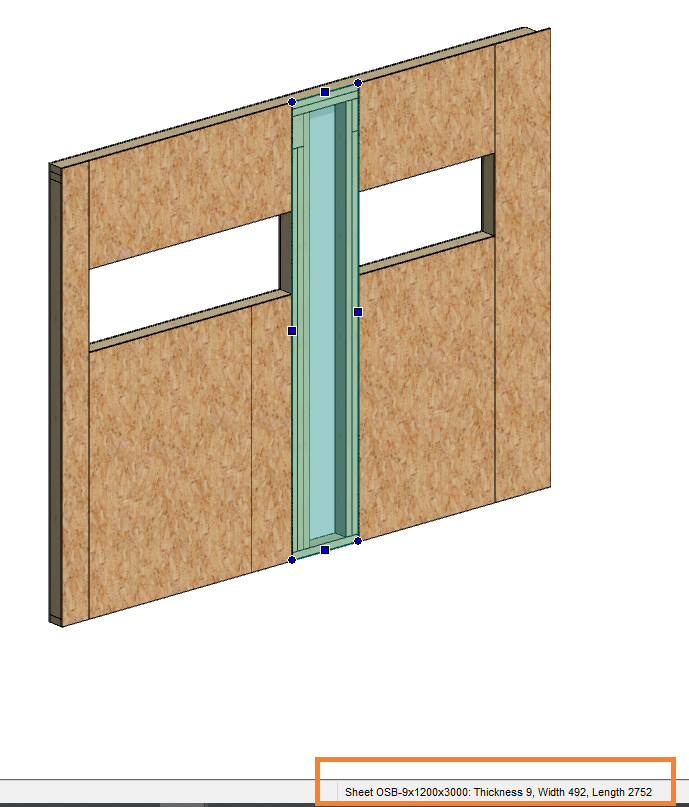
Sheet / Insulation size
The sizes will be shown in the status bar when you select a sheet or insulation.
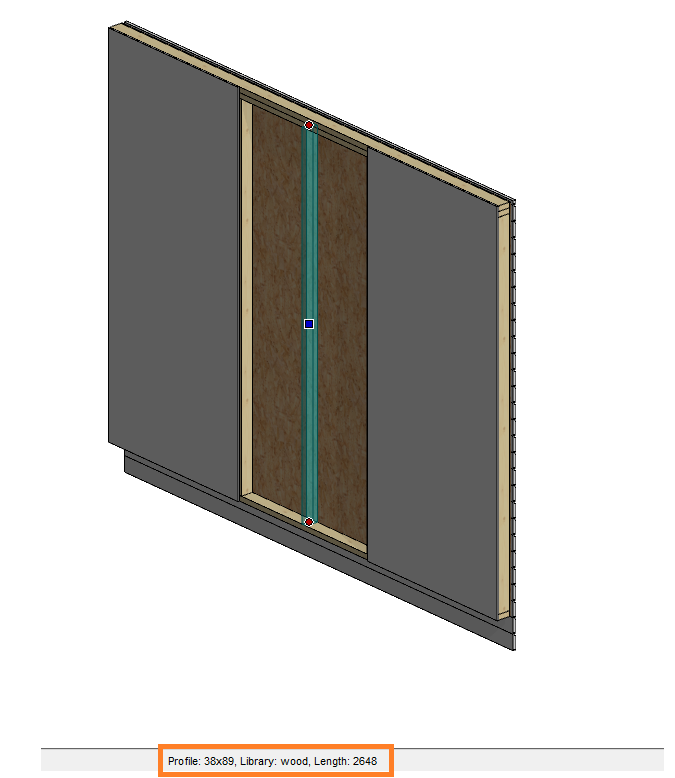
Profile size
The size and profile information will be shown in the status bar when you select a profile.
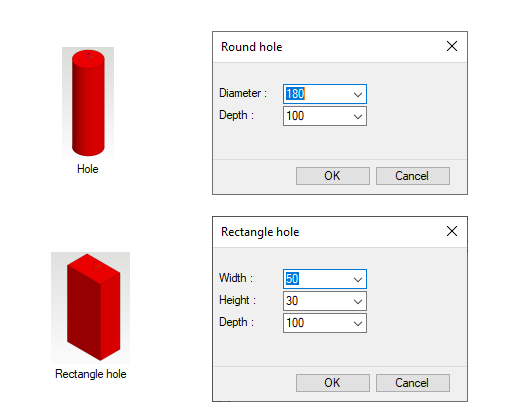
User interface for red tools
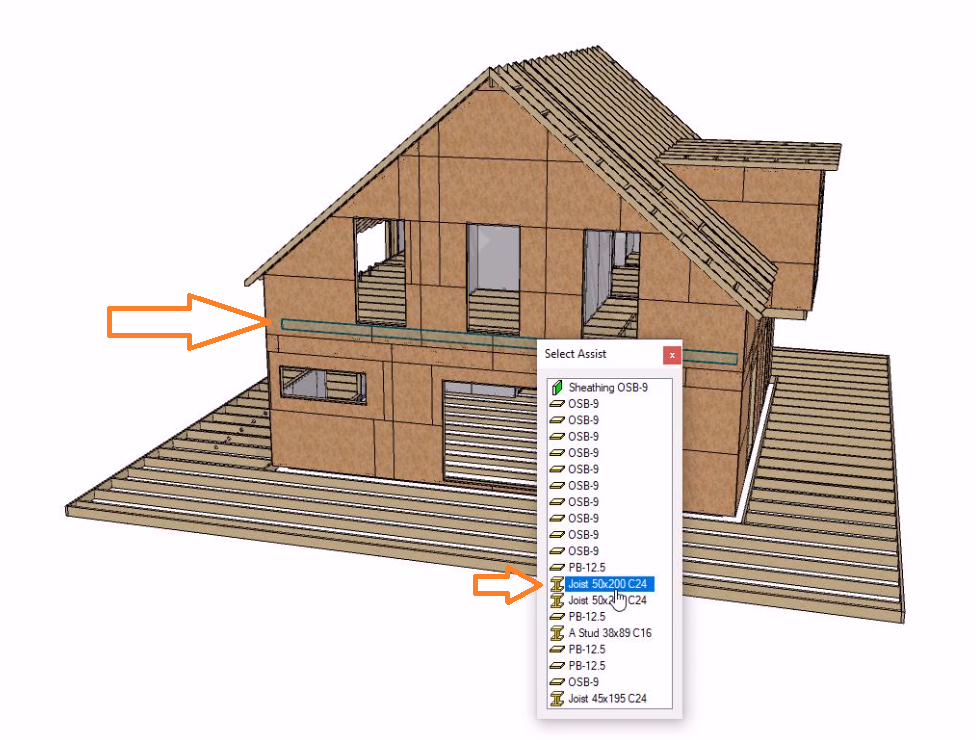
Select Assist
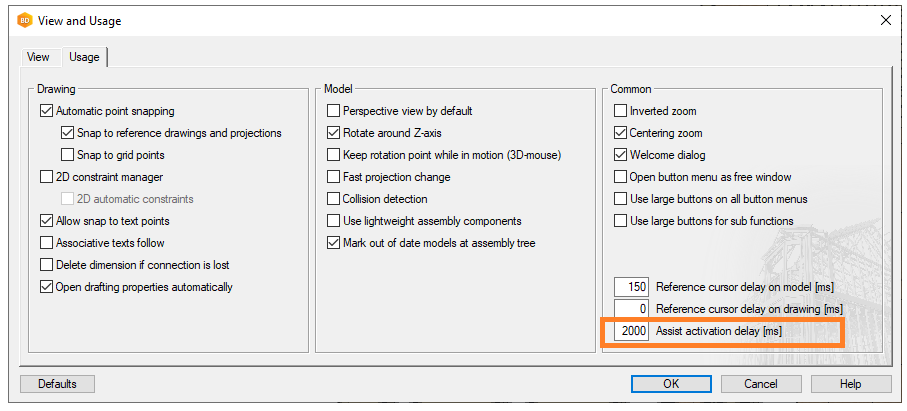
Default delay for activation
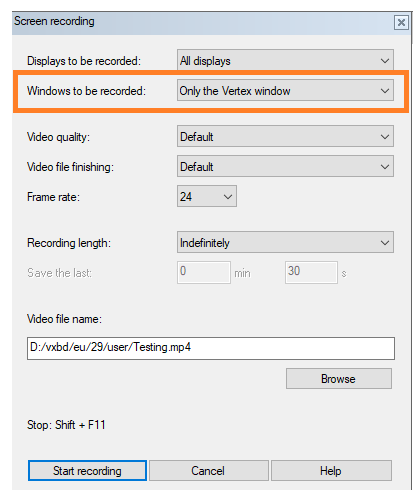
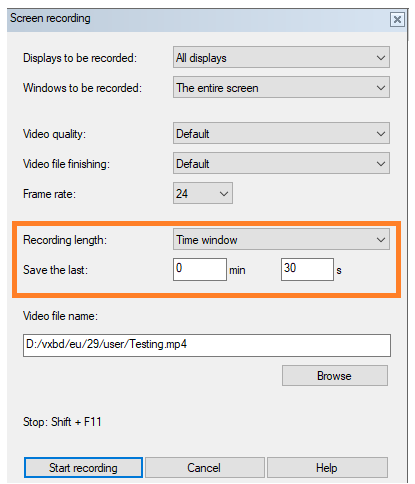
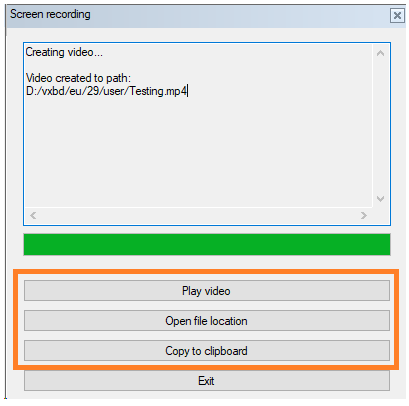
Video tool
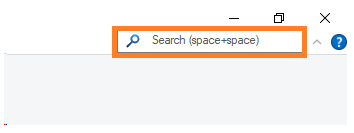
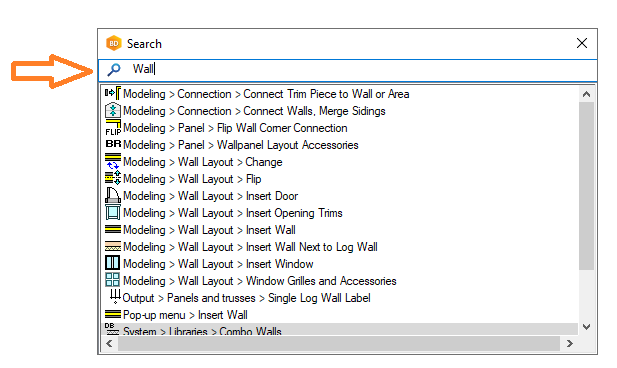
Search function
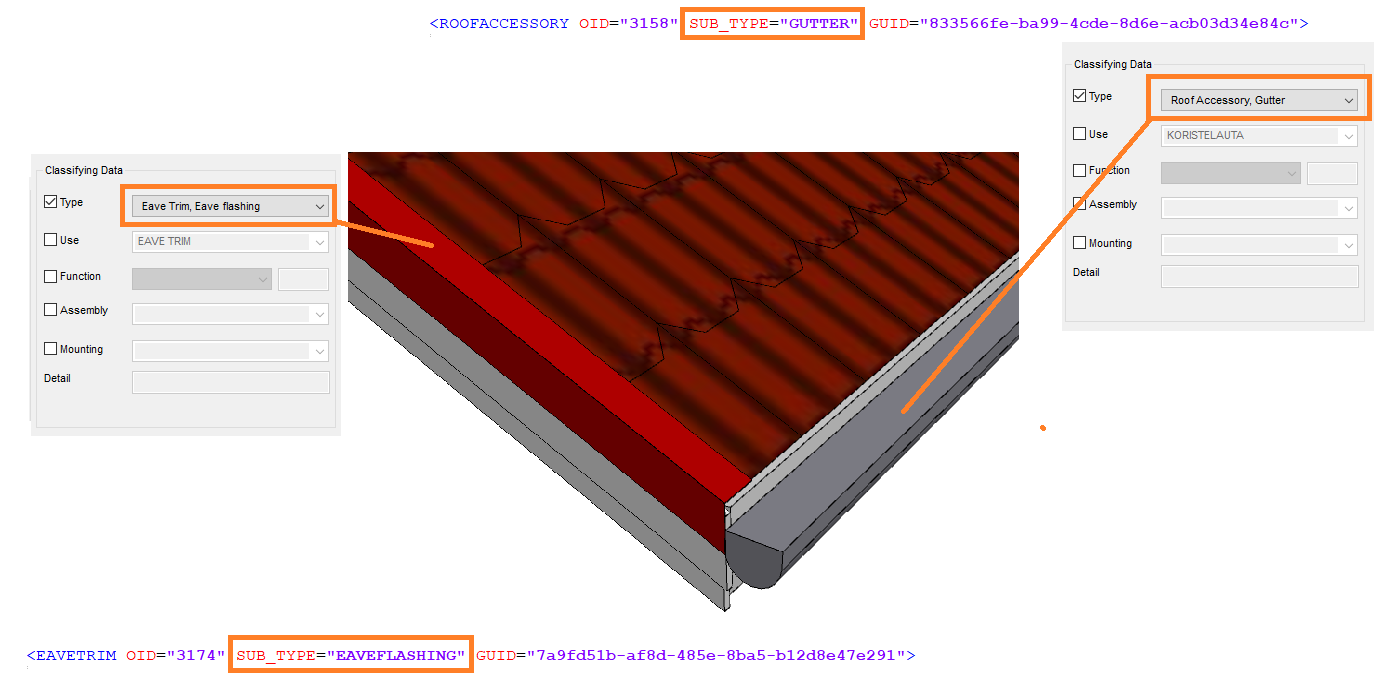
Type improvements for profiles
Type for profiles (UI)
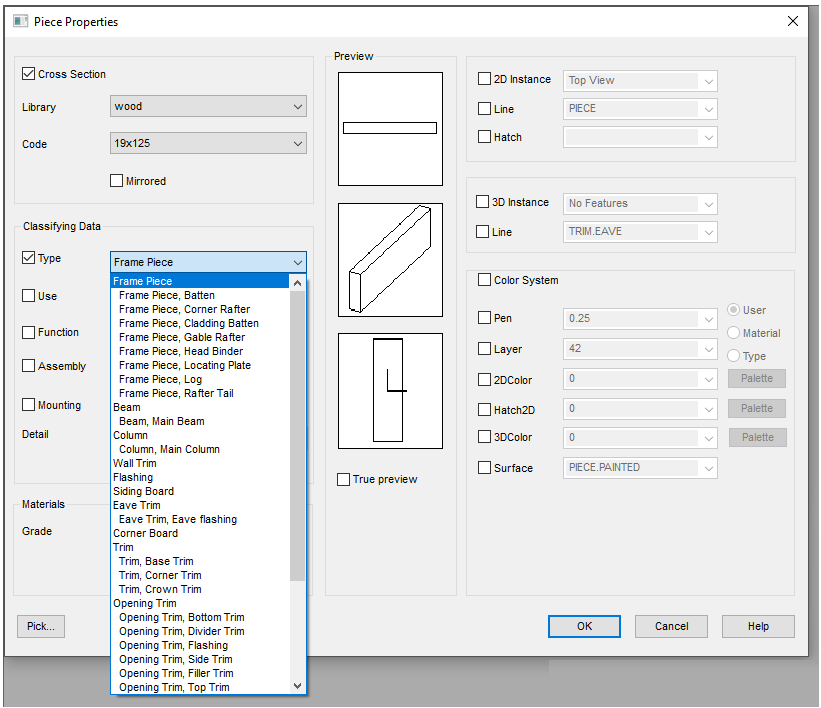
New type for eave trim profiles
Log
Add CAD position data to the machining database
Add CAD position data to the machining database field LOGM_PARAM.
Format is CADPOSITION(Xx, Xy, Xz, Yx, Yy, Yz, PX, PY, PZ).
X-direction points into the log from PX, PY, PZ.
Y-direction is the direction of the cross-section (usually it points to global Z).
Log wall columns to be visible in multiple log face drawings
Pipe design
Centre lines of pipes are automatically visible when adding pipelines and components
Stacking
Add panel stack row, column, and depth into the material collection
How to change order or sort fields in Excel lists when sorting by more than 1 field
Group_by=STACKID; Group_order=Ascending; Sort=STACKROW|STACKCOLUMN