Usability
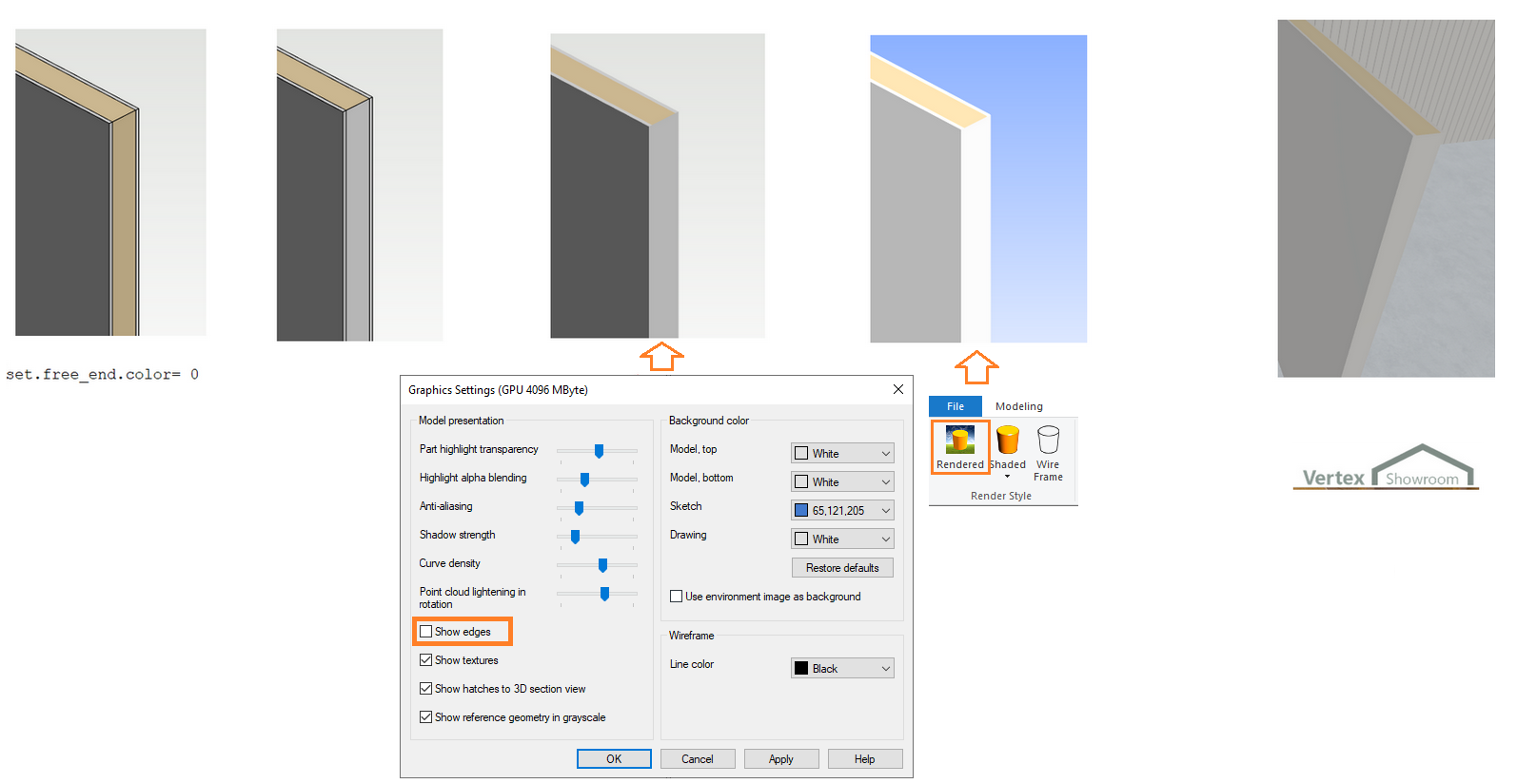
Representation of free end cap of a partition wall
If a wall has a free end gap (old value, can be set in PARAMETERS or in wall properties), the color of the free end surfaces are set to the same color as the inner surface of the wall.
This can be disabled in user/SETUP by setting the keyword set.free_end.color= 0.
Different ways to view the free end cap in the model:
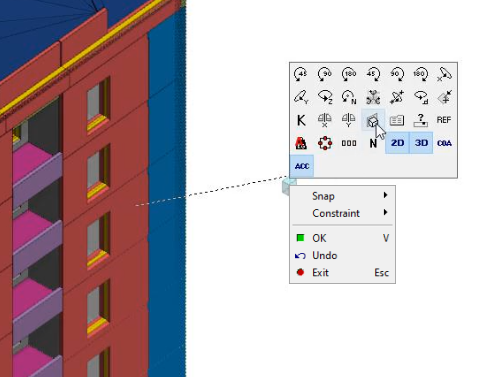
Duct holes can turn according to IFC faces
Automatic update of G4 assembly parts can be enabled or disabled
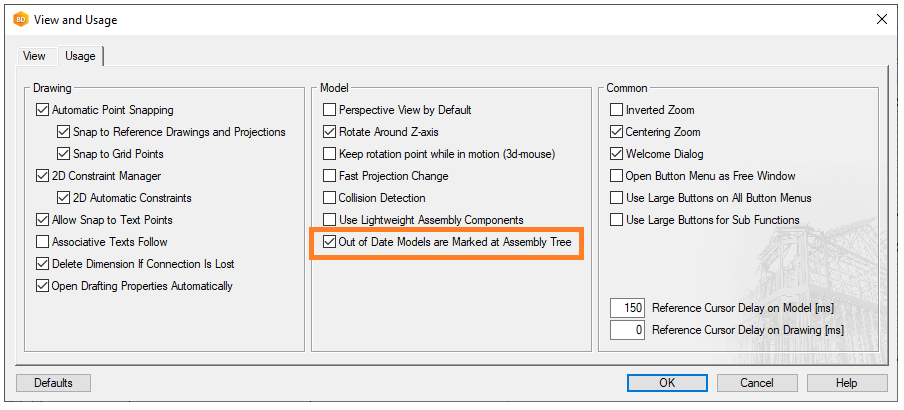
If on = Marking to the tree view
If off = Updating G4 parts automatically when adding to project
Integrations
Save as a new building to DS
The project remains in the local archive, from which it must be removed using the archive tools.
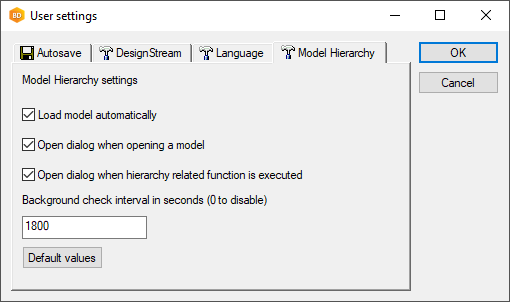
Model Hierarchy settings in User settings
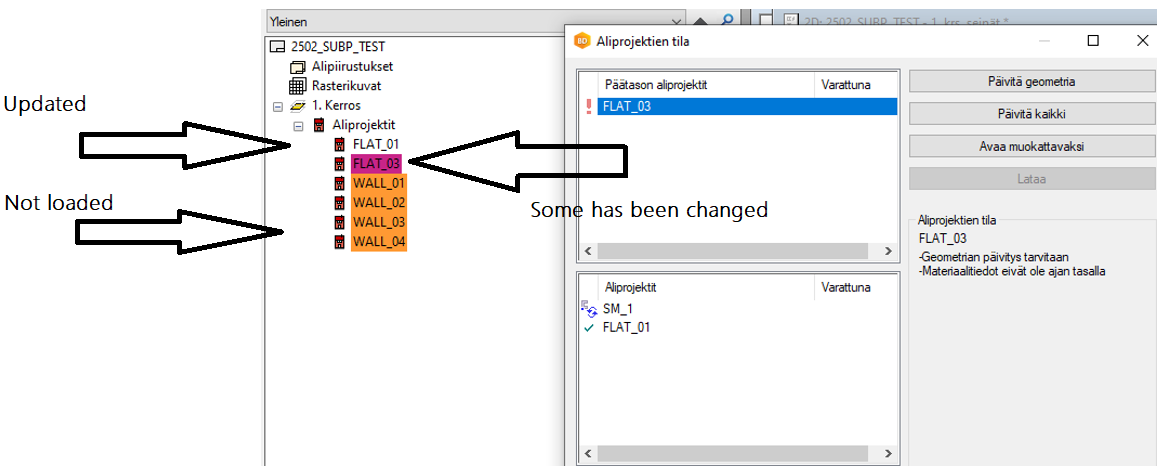
Tree-view of the model hierarchy
Other
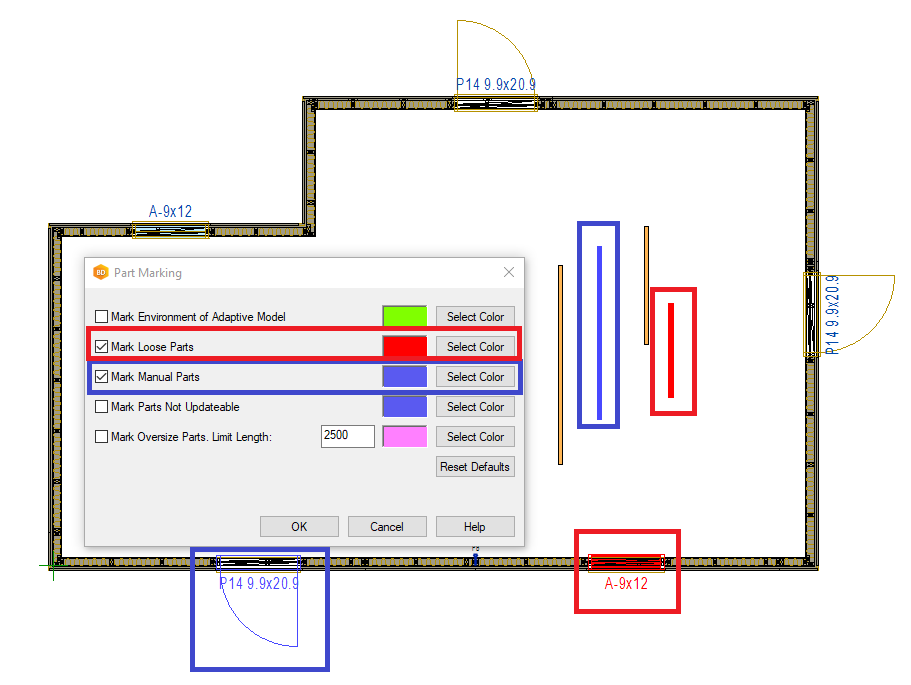
Marking support also for 2D views
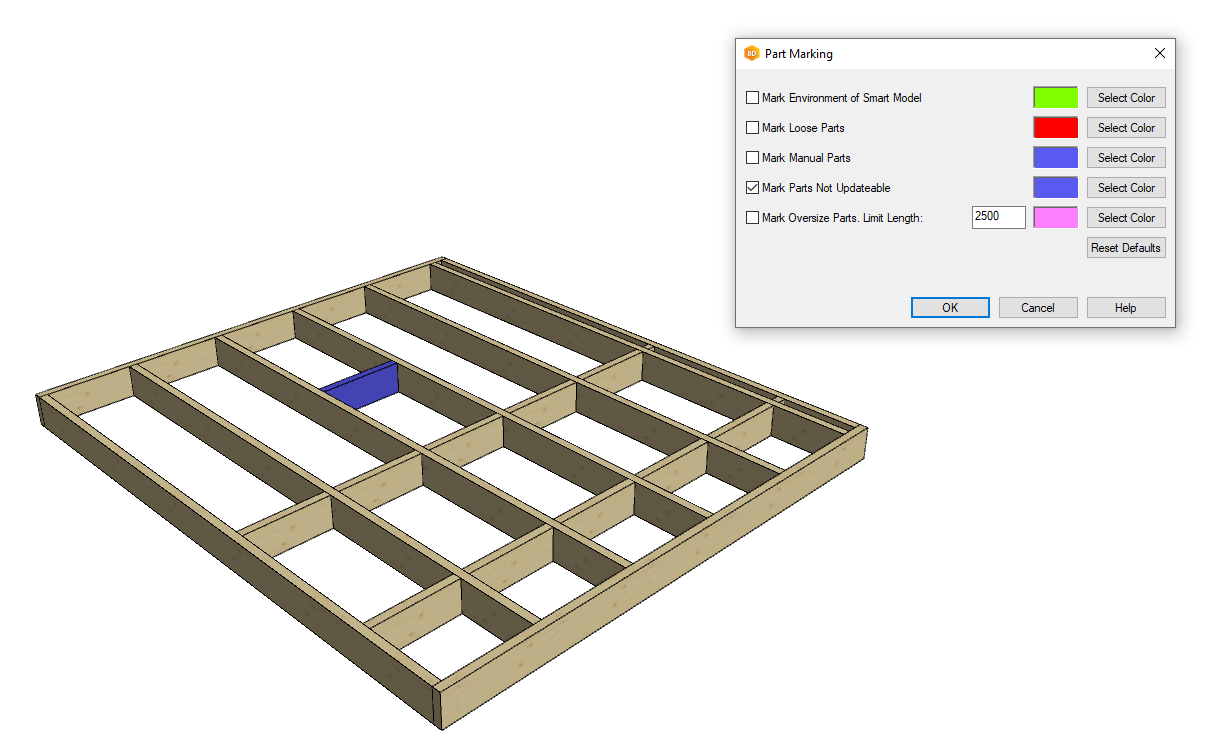
Marking non-updateable parts
Room area accuracy from 0.1--> 0.5
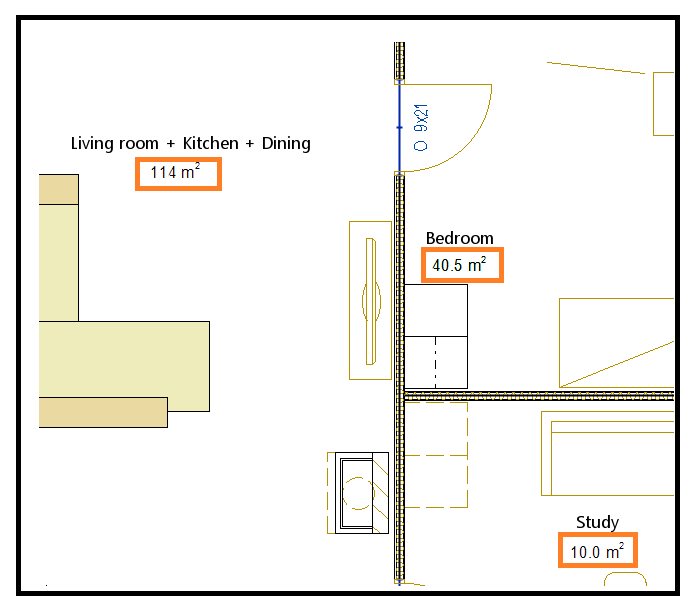
Can be added with the keyword room_label "#NAME#|#AREARND# m^2" in system settings, more information in the instructions.
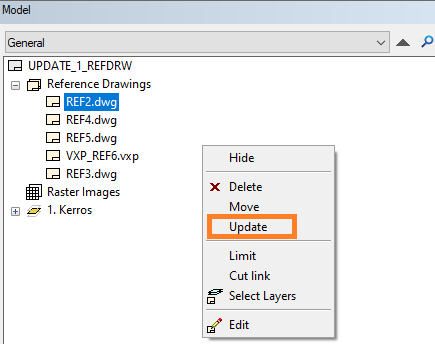
Update selected reference drawing
You can now update a separate reference drawing.