
Layout
-20260513-075209.png?cb=f40a87741b1eee74e405de62405d5dca)
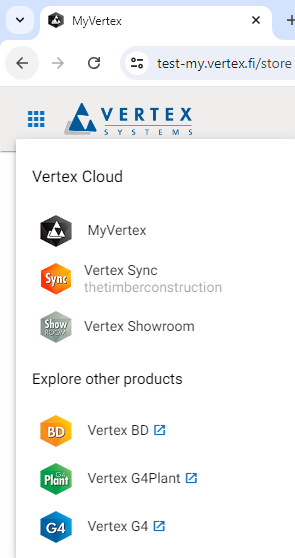
Application menu
From the application menu, you can switch to Sync or return to MyVertex without needing to log in again. Additionally, you can access the Showroom service or navigate to product-specific web pages.
User Menu
In the User menu, you can manage your VertexID account by clicking Manage Account. Your account settings will open in a separate tab, where you can edit your information, update your password, set up two-factor authentication, and view your active device logins. You can return to MyVertex by switching back to the tab from which you accessed account management.
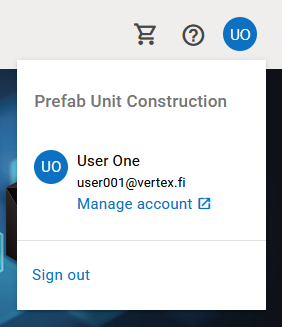
You can also sign out of your VertexID account by clicking Sign out.