General
You can remove translation equivalents from the dictionary that have not been used.
In general, the use of dictionaries
Remove unused words
(1) Select the Archive tab.
(2) Select Tools > Dictionary.
-
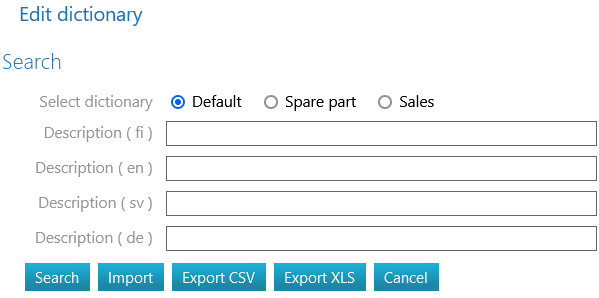
Flow opens the Edit Dictionary dialogue box.
(3) Select the dictionary:
-
Default
-
Component
-
Sales
(4) Select the Search function.
-
Leave the Description fields blank to display the entire contents of the dictionary in the search results.
-
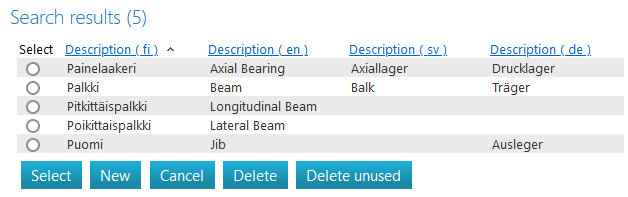
Flow lists all the words in the dictionary.
(5) Select the Delete Unused function.
-
Flow asks: Are you sure you want to remove unused translations?
(6) Select OK if you want to remove them or
-
Select Cancel if you don't want to remove unused translations.